define cookie --plain-english
Cookie
TLDR:You've clicked "accept cookies" thousands of times without anyone ever telling you what you were agreeing to.
You've clicked "accept cookies" thousands of times without anyone ever telling you what you were agreeing to. A cookie is a tiny note a website asks your browser to hold onto and hand back every time you return. A little labeled sticky note, stored on your side, shown to the site on each visit.
Start with the problem it solves. The web runs on HTTP, a simple request and reply: your browser asks, the site answers. The catch is that the web has no memory. Every request arrives like a total stranger walking up to a counter. The site has no idea it was talking to you one second ago. (In tech terms it's "stateless," the opposite of state.)
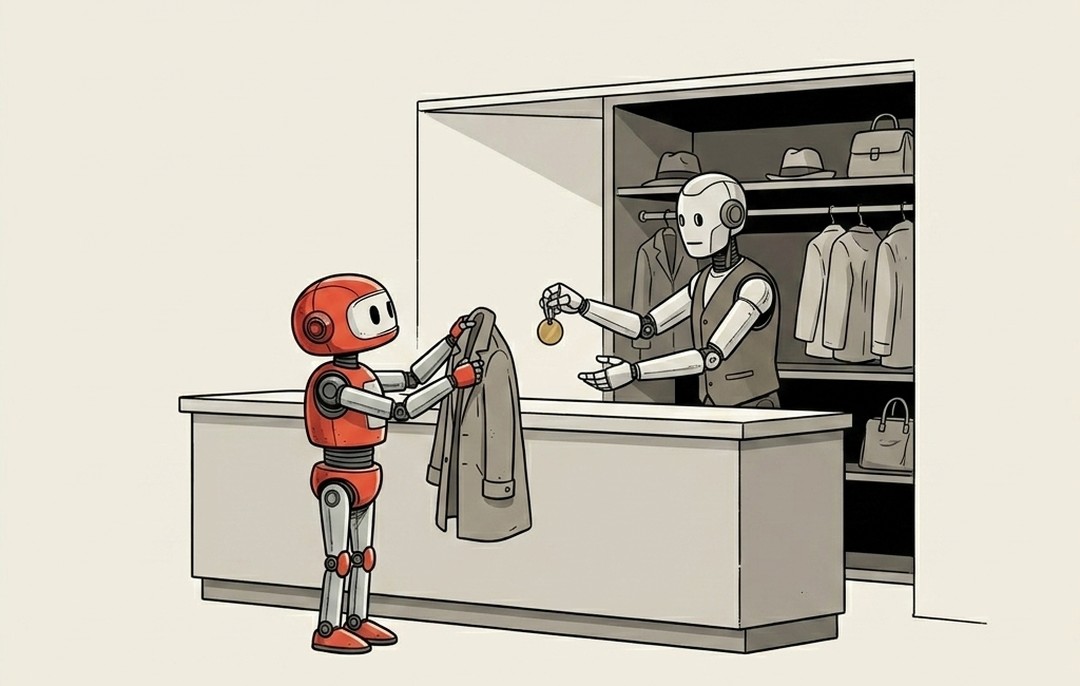
So how does a site keep you logged in, remember your cart, know it's you? It hands you a coat-check ticket. The first time you arrive, the site gives your browser a little numbered ticket, the cookie, and your browser flashes it back to that same site on every request after that. The site reads the number, looks you up, and goes "ah, logged in, three things in the cart." The cookie is usually just the ticket number. The real information stays back at the site.
That's why a cookie is what holds a session together. Without it you'd be logged out between every click, because every click looks like a brand-new stranger. The cookie is the ticket that says "same person as a second ago."
Cookies split into two very different kinds:
- First-party cookies are the coat check at the restaurant you actually walked into. Useful and expected. This is how "keep me logged in" and "save my cart" work.
- Third-party cookies are a ticket slipped into your pocket by a company you never visited, so they can recognize you at the next site, and the one after that, quietly mapping where you go. That tracking is what the "accept cookies" banners and the privacy laws are really fighting about. Not the login ticket. The follow-you-around ticket.
So "accept cookies" decoded: are you fine with this site, and often a crowd of advertisers behind it, handing your browser tickets to recognize you later. Sometimes that just means "remember my login," which is genuinely handy. Sometimes it's a tracking net. Same simple mechanism, very different intent, and now you can tell which is which.
A cookie is a coat-check ticket. The web forgets you the instant you look away, so the site gives your browser a ticket to flash on the way back in. Worth a glance when the ticket came from a stranger you never visited.