$ define api --plain-english
Tech terms,
for non‑technicals.
Every term explained with an analogy anyone can understand.
All 101 terms, grouped into 8 topics.
Tap any illustration to read that term in plain English.
The Basics 6 terms




How AI Works 14 terms

Context Window
How much your AI can hold in mind at once.
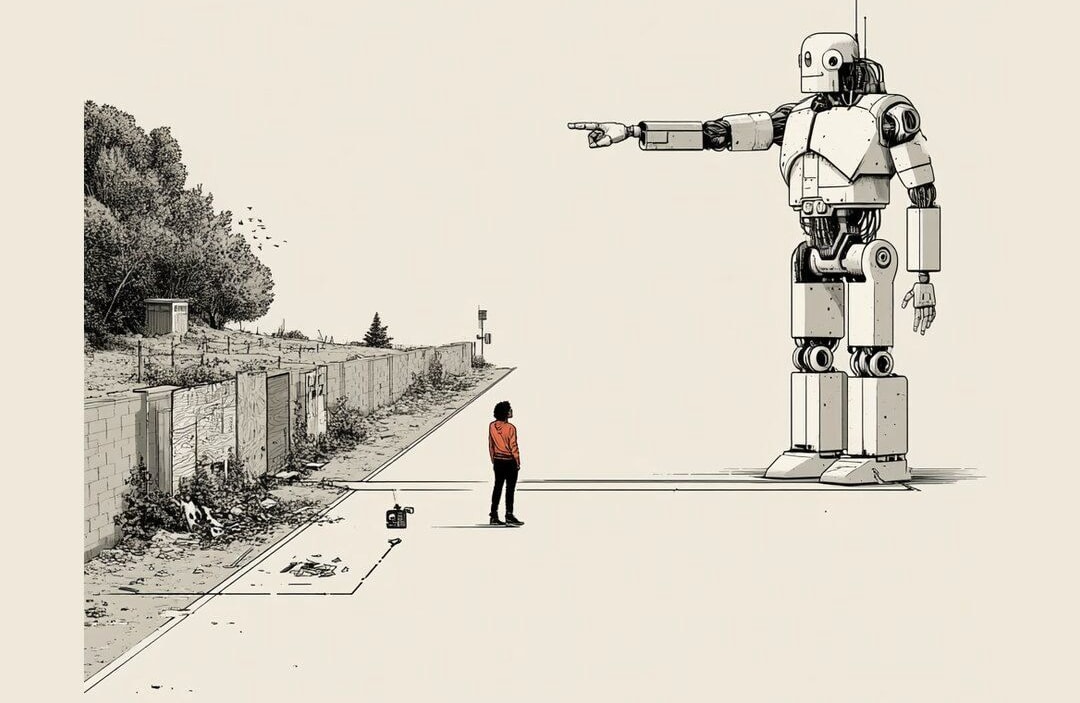
Hallucination
When AI sounds confident and is just wrong.

Token
The unit AI reads and writes in.
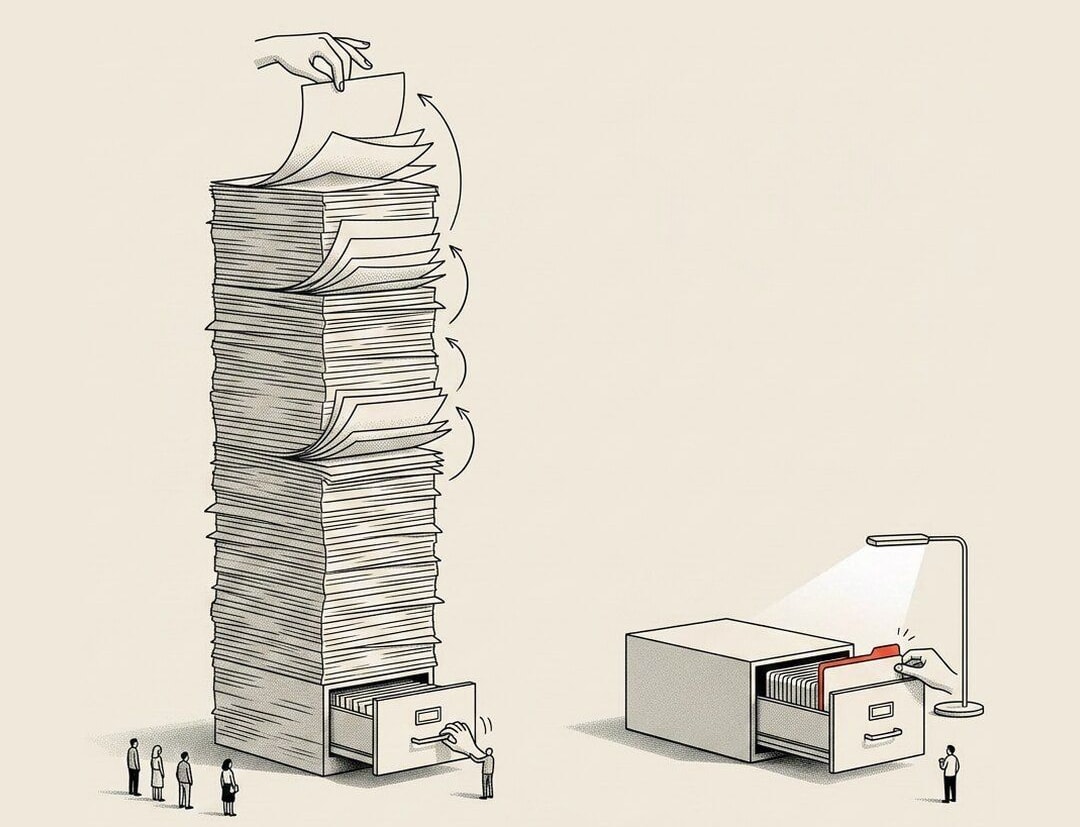
Prompt Caching
Pay once to read it, reuse it cheaply.
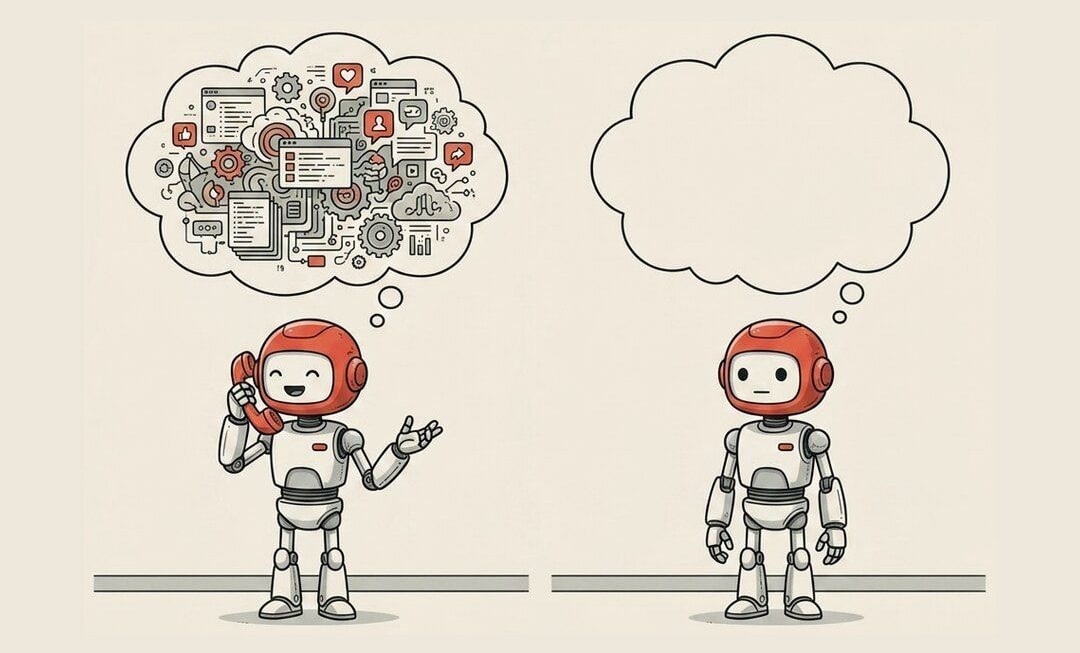
Session
One continuous conversation with your AI.

Compaction
Summarizing the chat so it keeps fitting.

Embedding
Meaning turned into numbers a computer can compare.
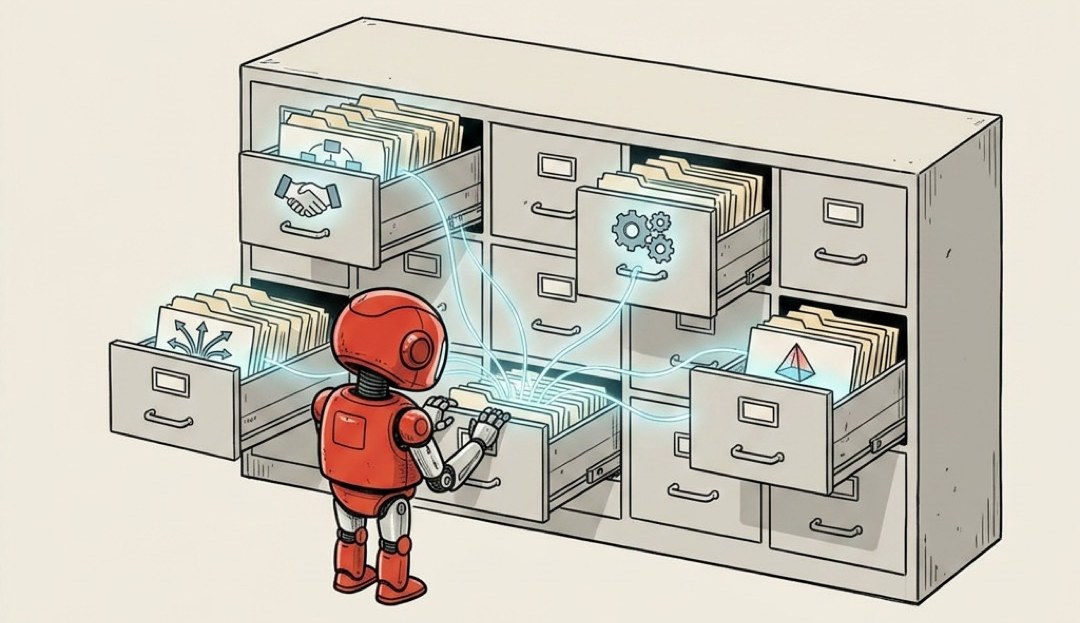
Vector Database
Storage that finds things by meaning, not exact words.
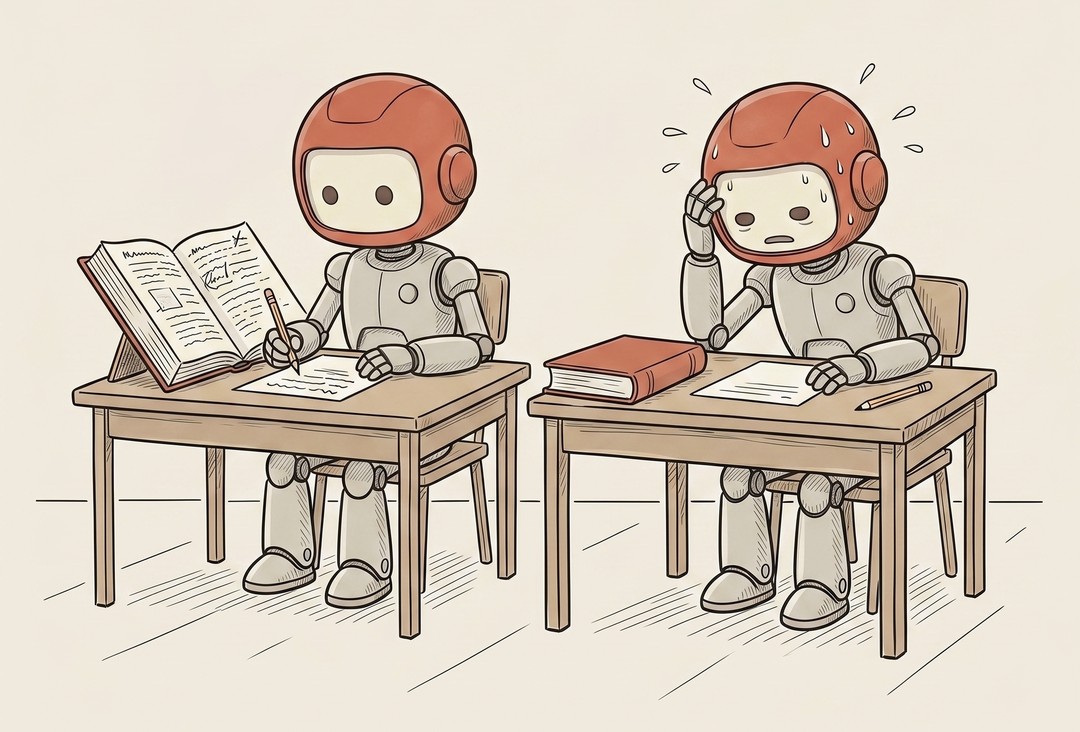
RAG
There are two ways to take a test.
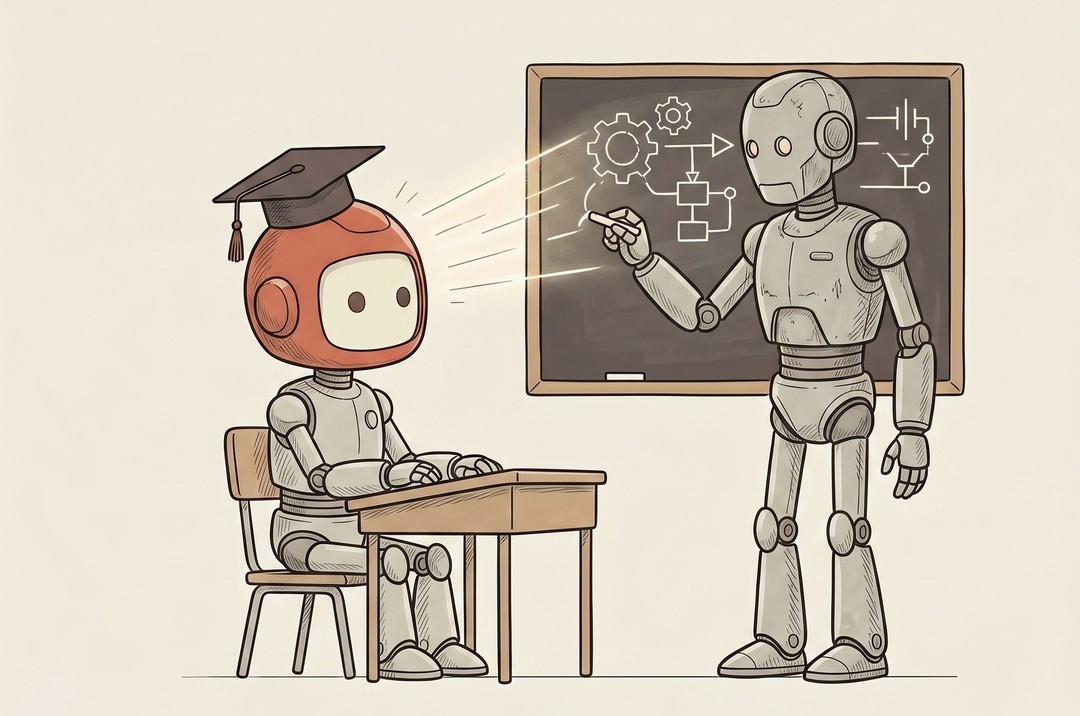
Fine-tuning
RAG is the open-book exam, where the AI looks things up before it answers.
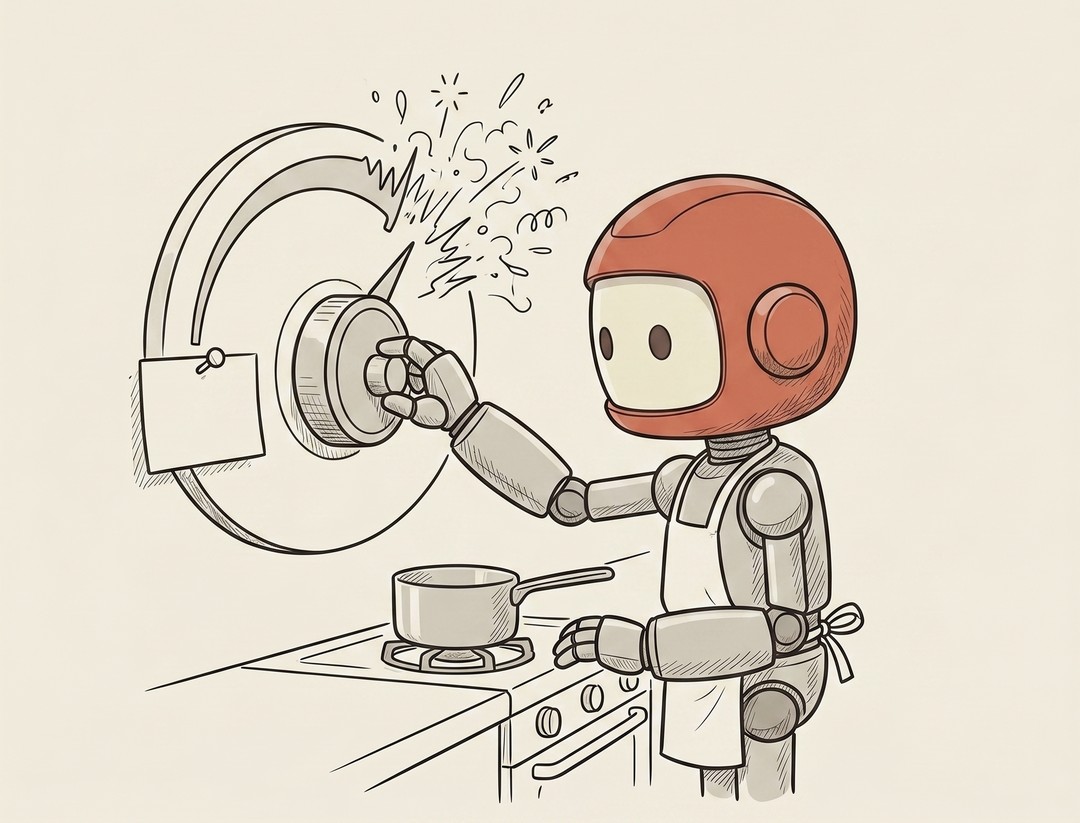
Temperature
There's a single dial in every AI playground that decides whether your AI behaves like a buttoned-up accountant or a jazz musician.

Inference
You hear this word everywhere once you're working with AI.
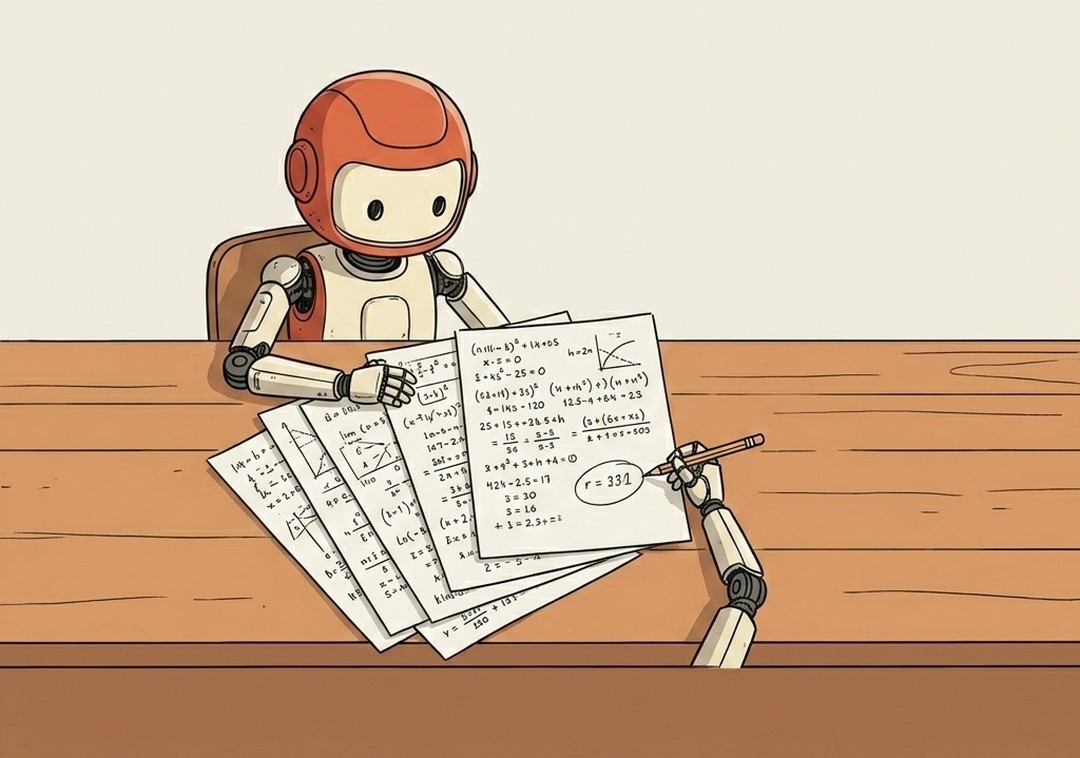
Reasoning
For a while, AI answered like a kid blurting out the first thing that popped into their head.
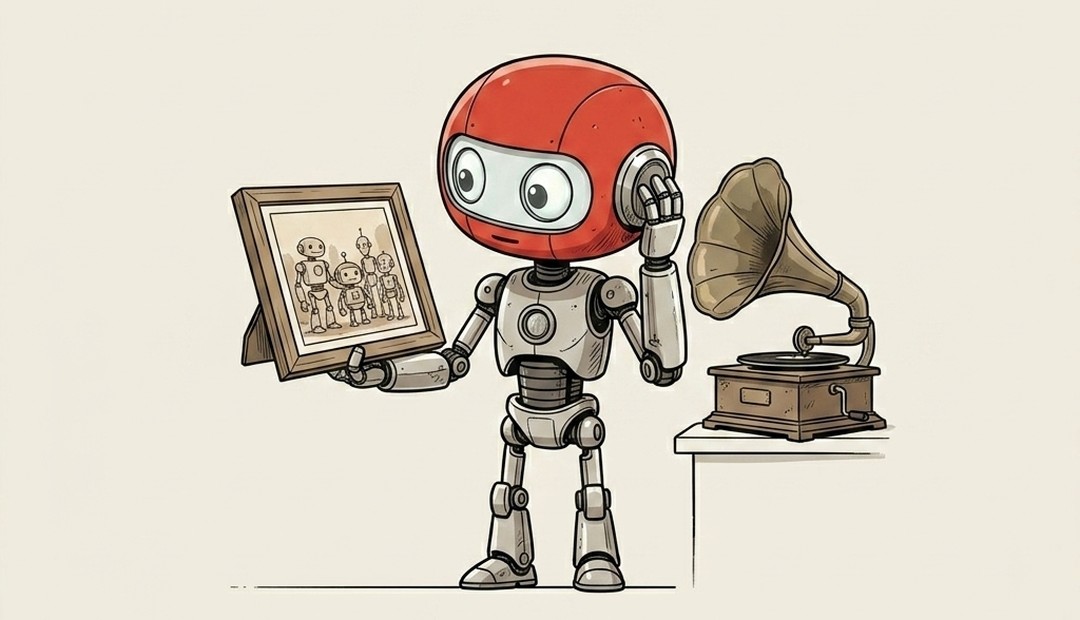
Multimodal
For most of their history, the AI models you chat with could only read and write.
Building With AI 19 terms

Agent
An AI that takes actions, not just answers.
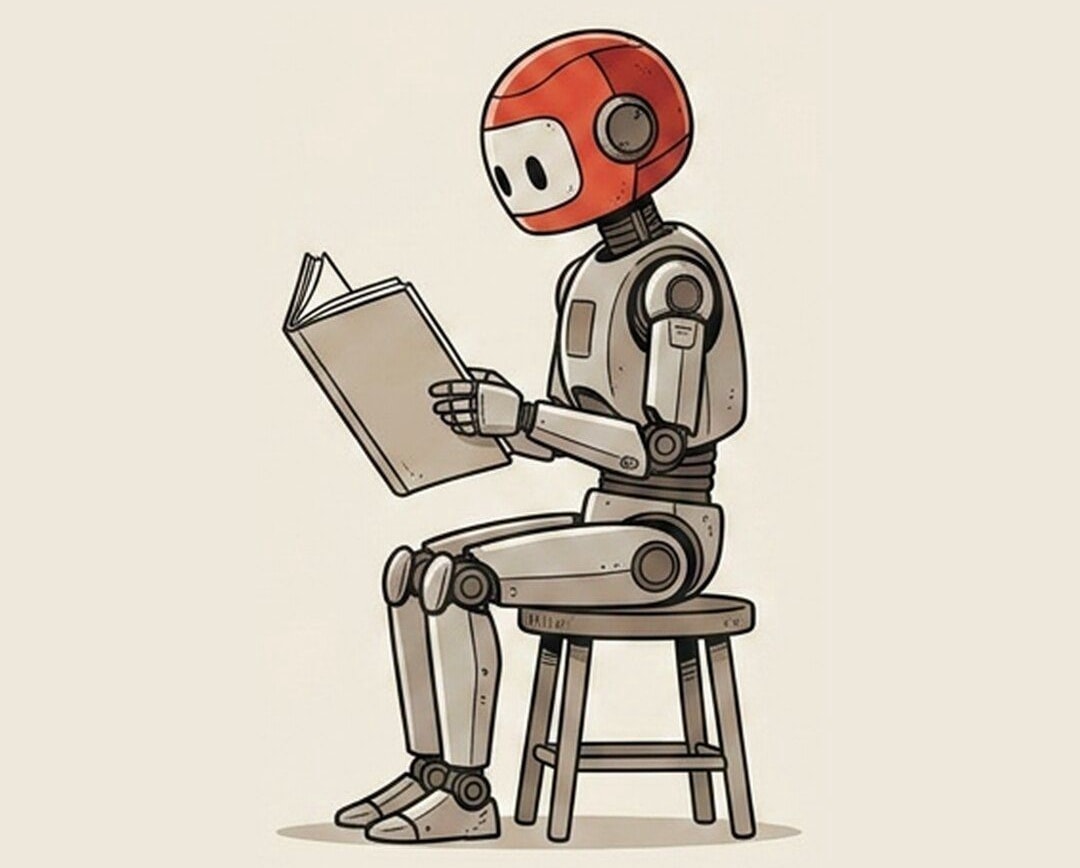
System Prompt
The standing instructions your AI always follows.
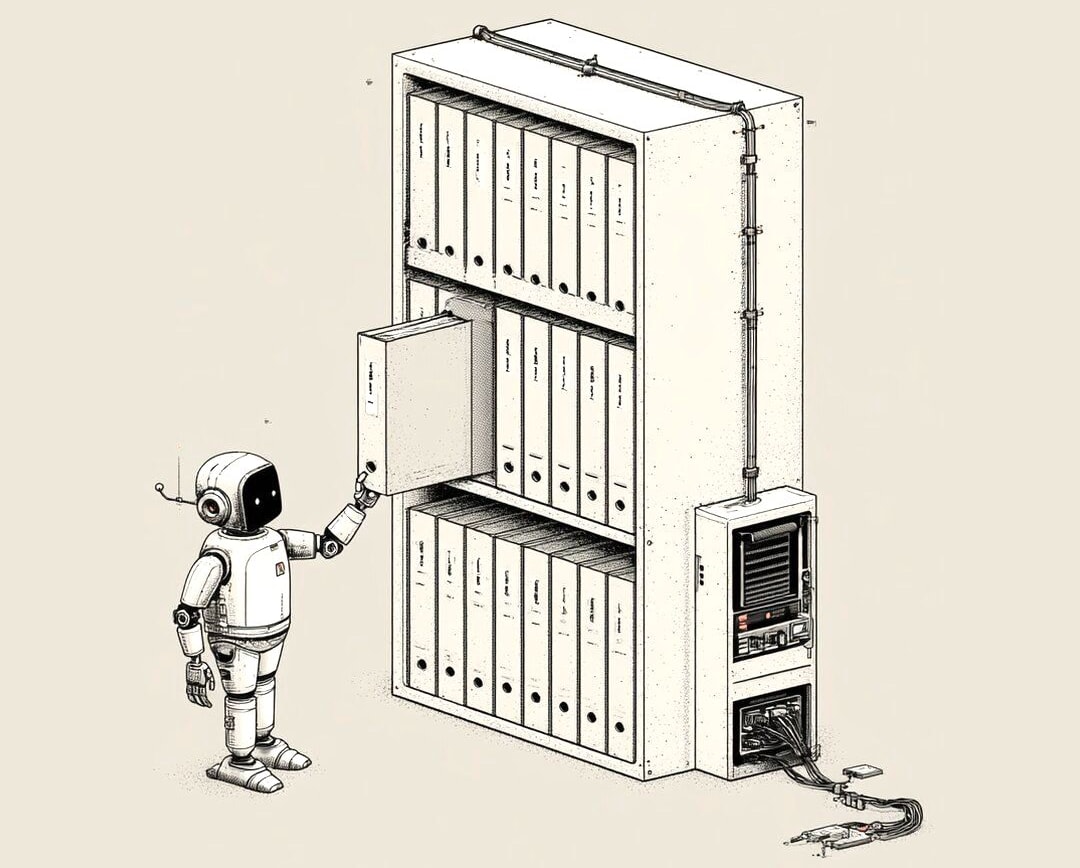
Skill
A saved SOP your AI can follow on demand.
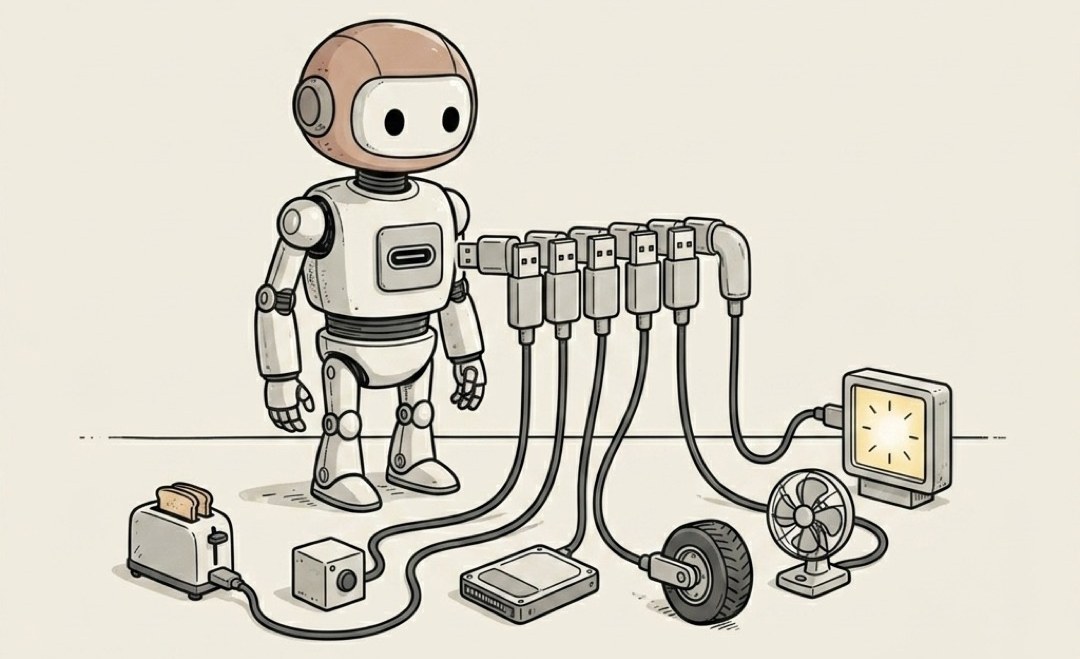
MCP (Model Context Protocol)
A universal port for your AI's tools.

CLAUDE.md
The house rules your AI reads before it starts.

Slash Command
A keyboard shortcut for a whole prompt.
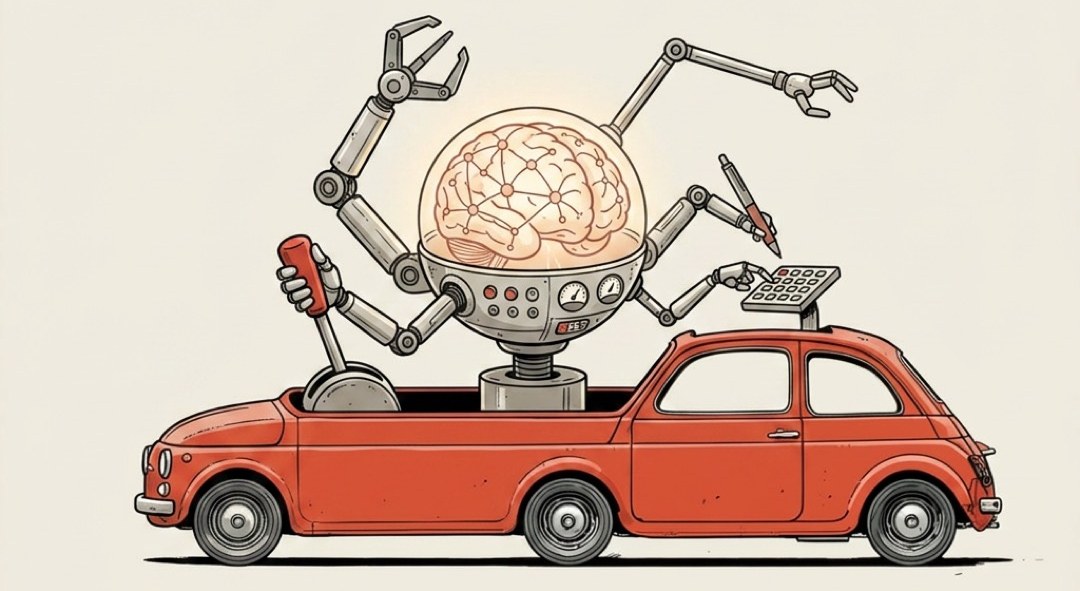
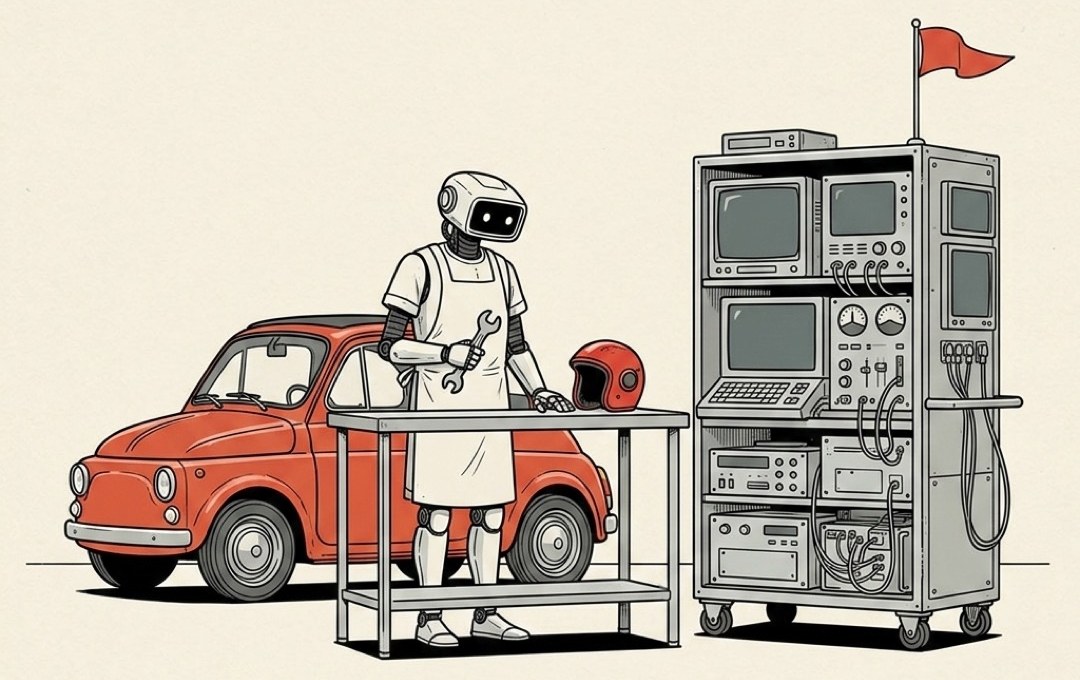
Harness
The car built around the AI engine.
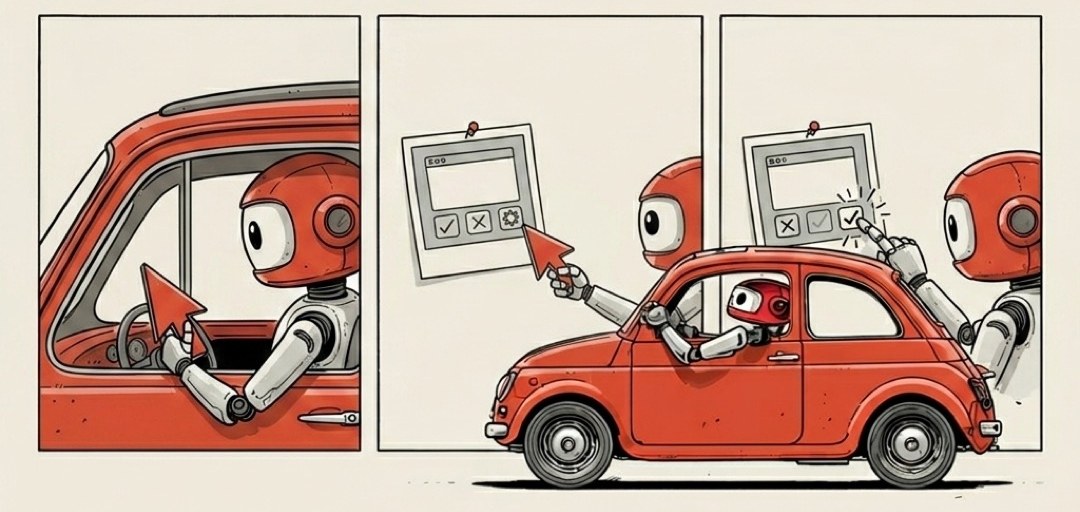
Computer Use
AI that clicks and types like a person.
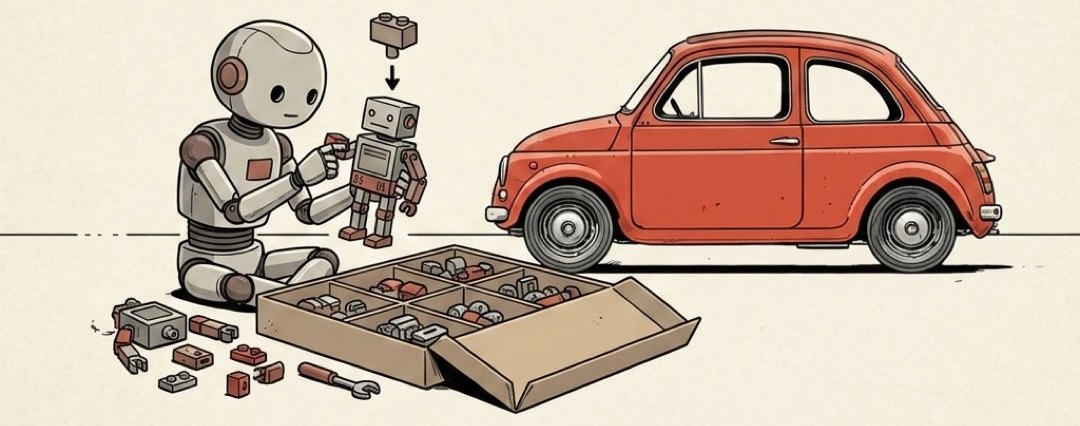
Agents SDK
A starter kit for building your own AI worker.

Voice Agents
An agent you just talk to out loud.
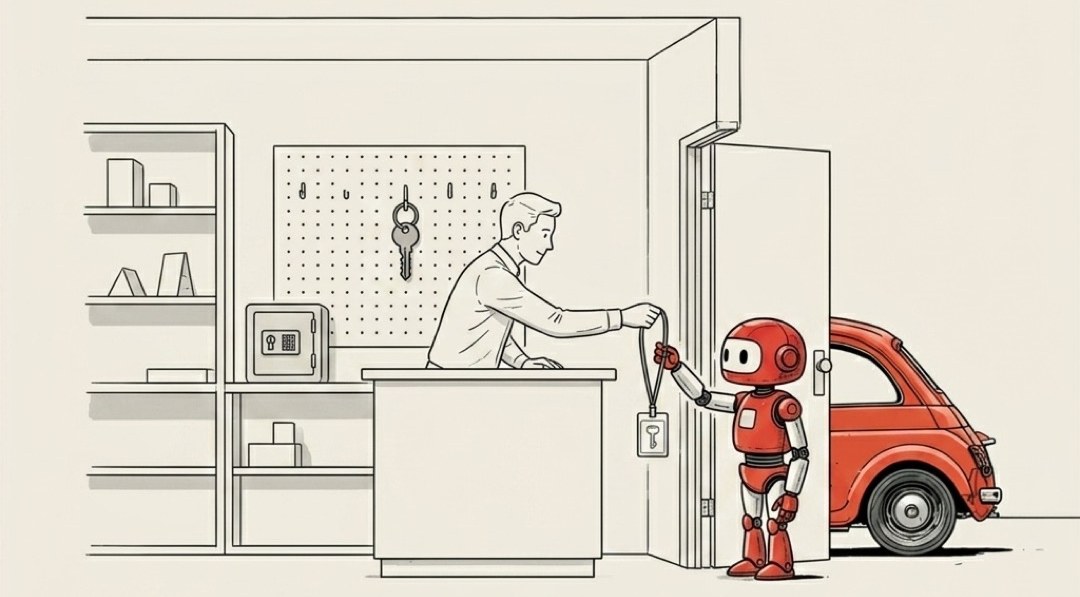
OAuth / Agent Identity
A valet key for your accounts, not the master key.
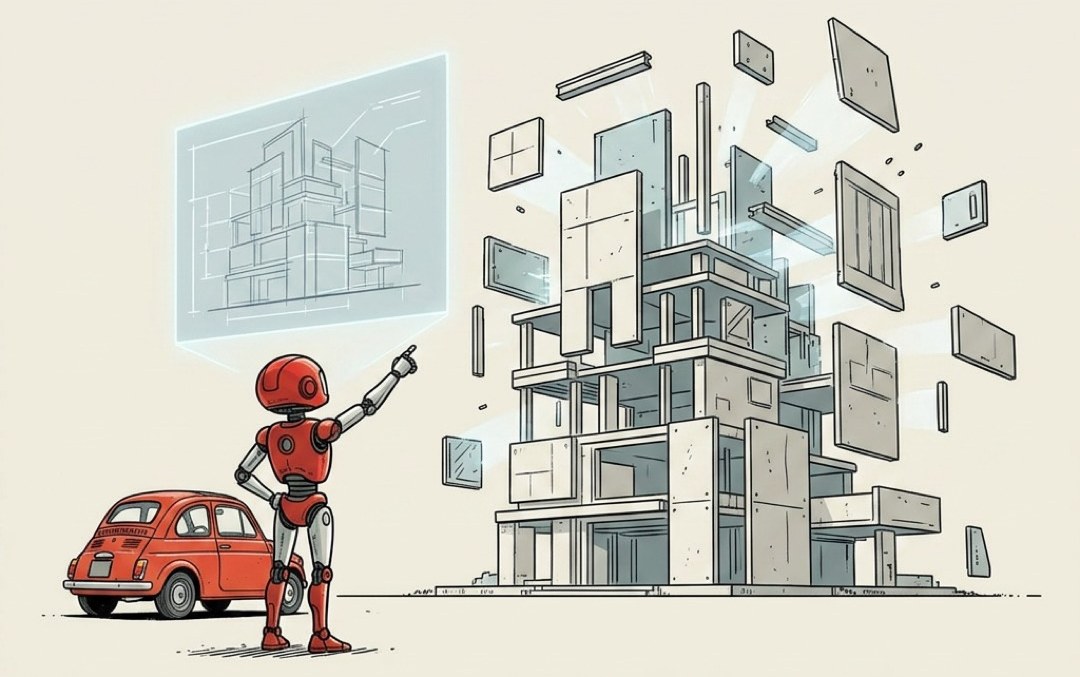
Vibe Coding
Building by describing it, letting AI write the code.

Permission Scope
A valet key starts the car and opens the driver's door.
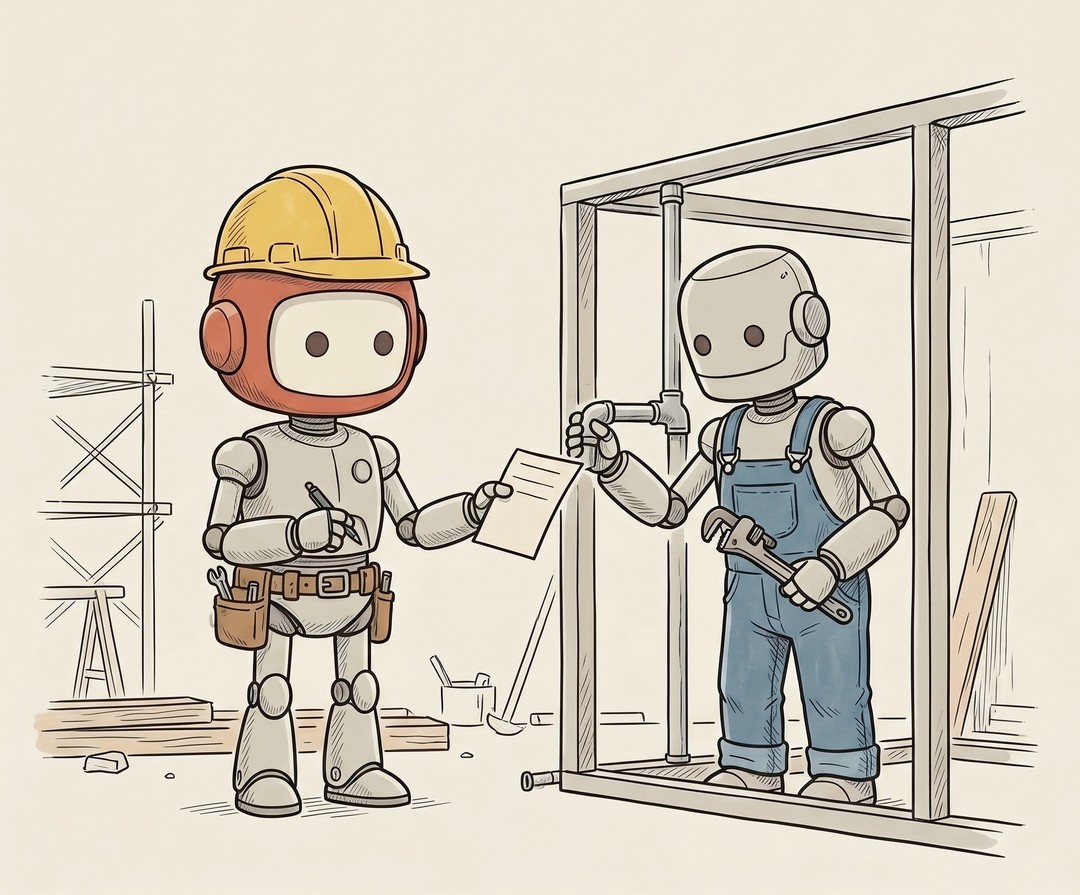
Tool / Function Calling
The line between a chatbot and an agent is tools.
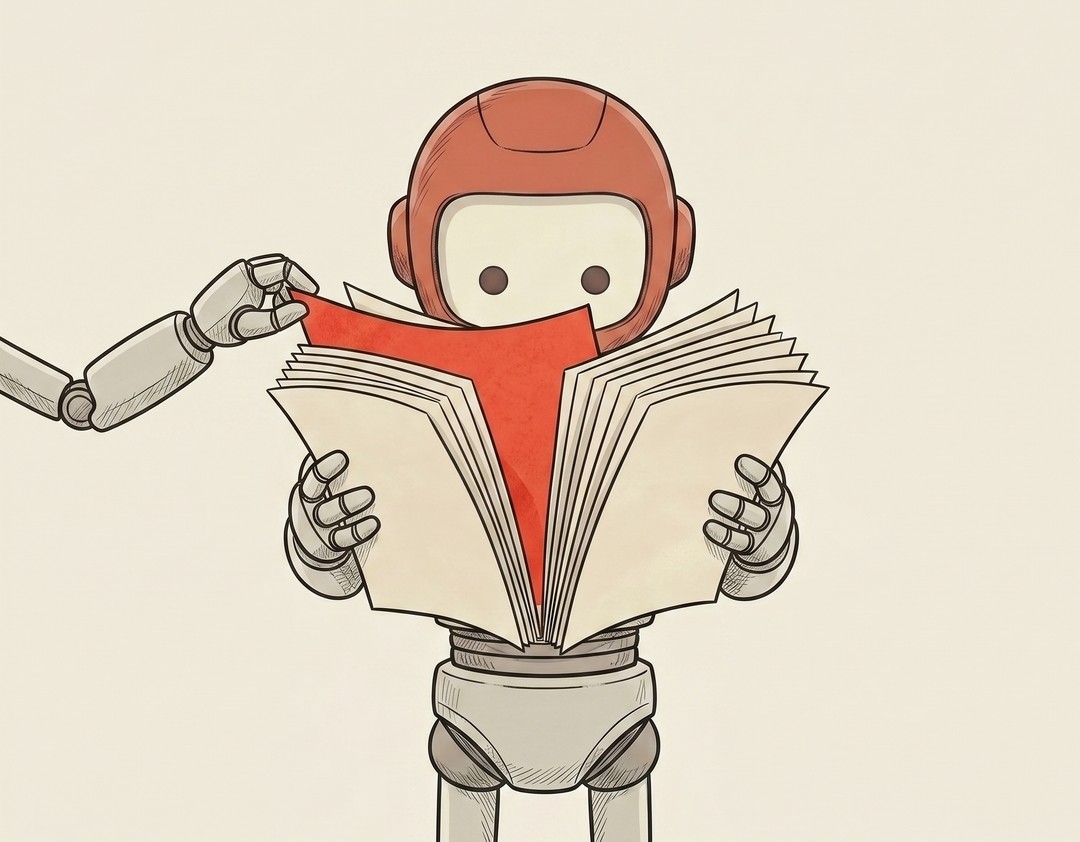
Prompt Injection
Your AI reads everything you point it at.

Eval / Benchmark
How do you actually know if one AI is better than another, or if the change you just made to your prompt helped or quietly made things worse?
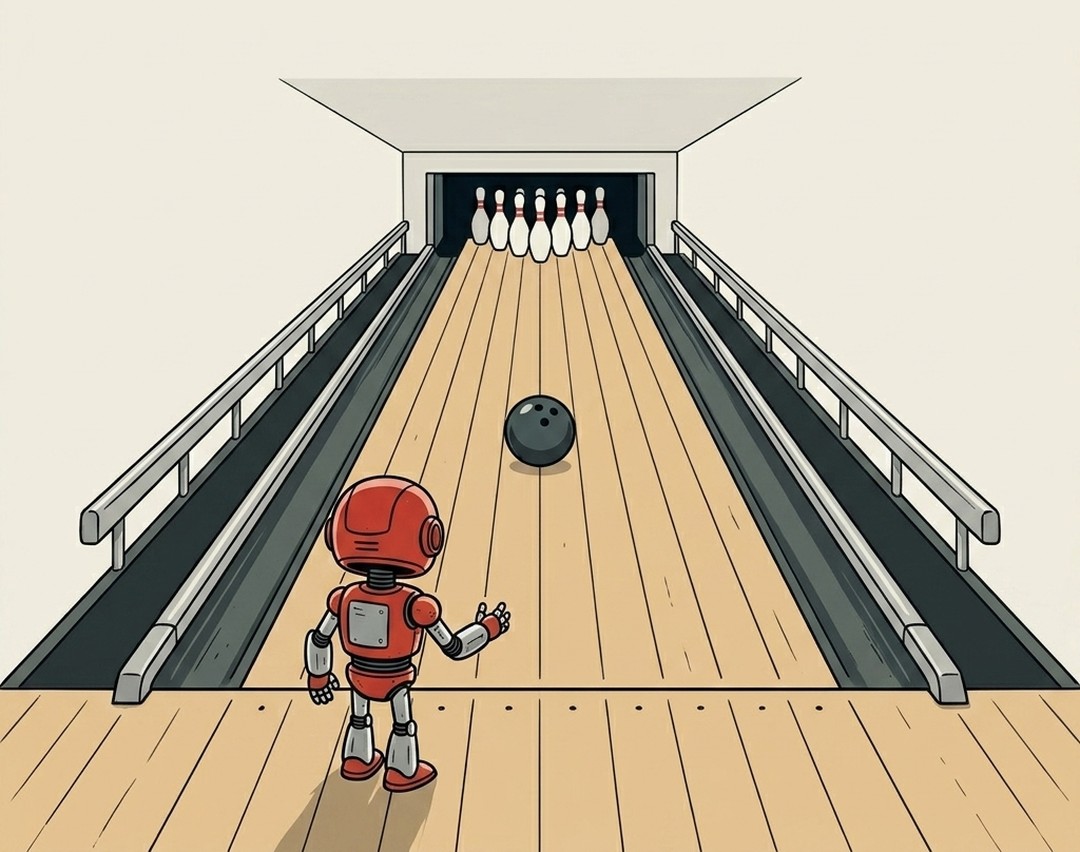
Guardrails
I once asked an AI to draft replies to my emails without giving it clear limits.

Sandbox
The scariest part of letting an AI agent loose on your computer is the small voice asking what happens if it does something dumb.
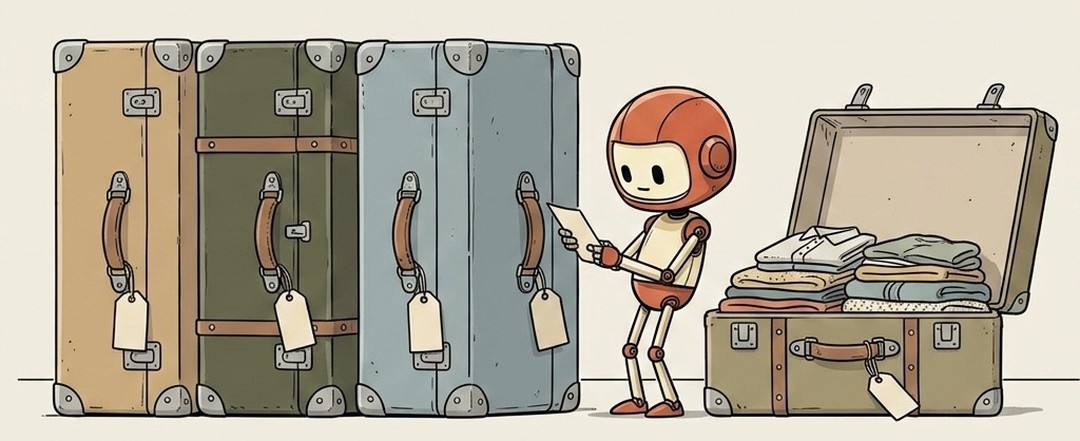
Progressive Disclosure
Show the short version, keep the depth one step away.
Code & Collaboration 10 terms
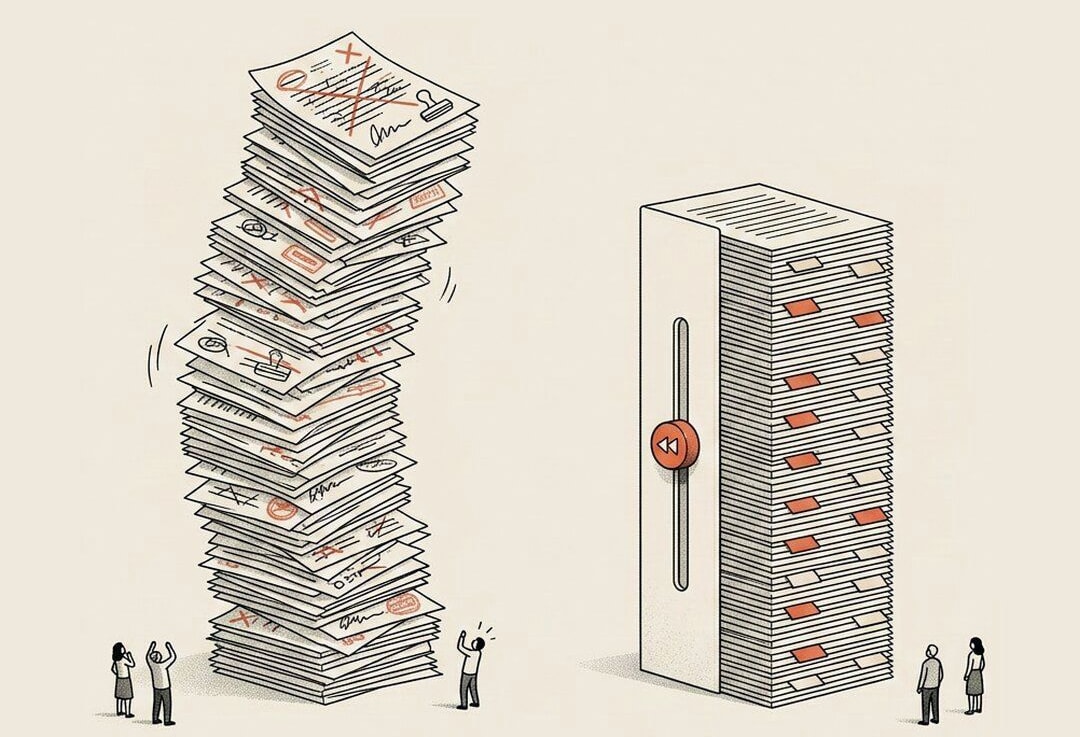
Git / Version Control
Save points for your code.

Commit
A labeled snapshot you can return to.
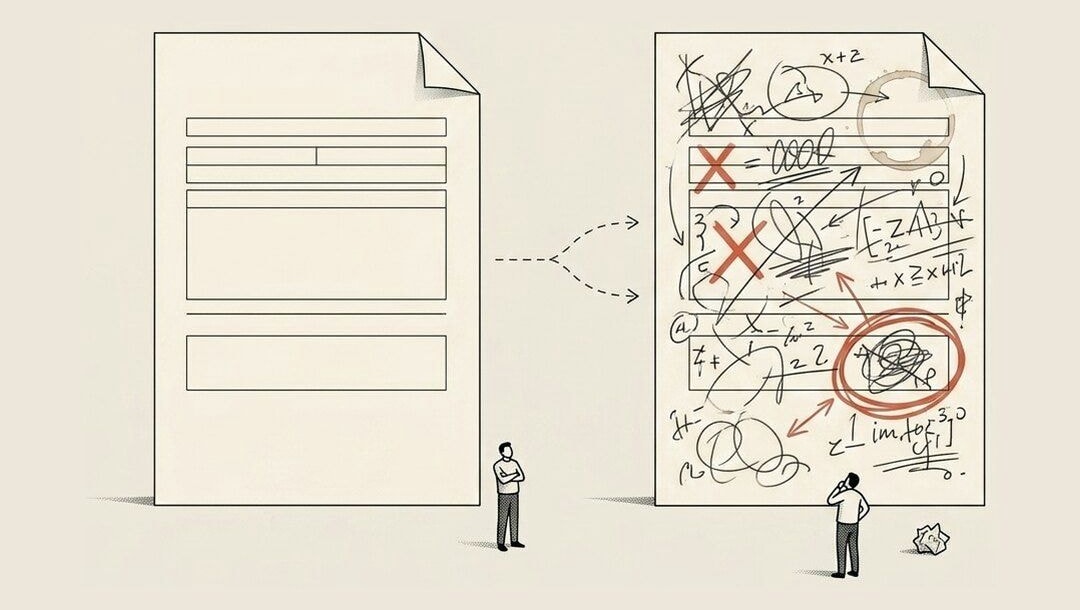
Branch
A safe copy to try changes on.
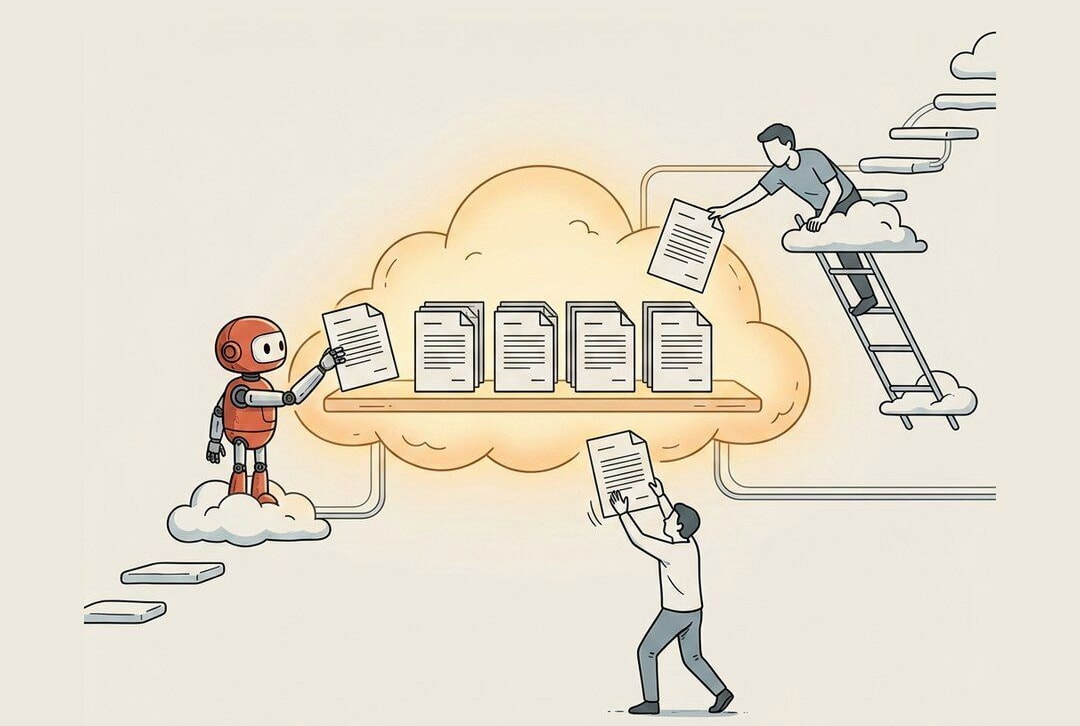
GitHub
Where your code lives and gets shared.

Pull Request
A proposed change, put up for review.
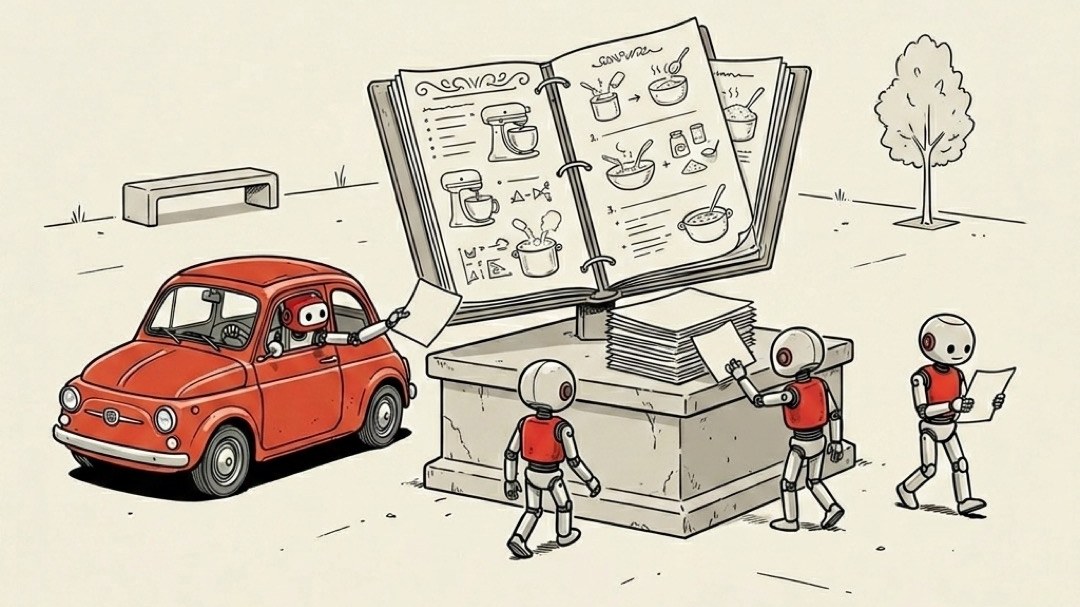
Open Source
Code anyone can read, use, and improve.
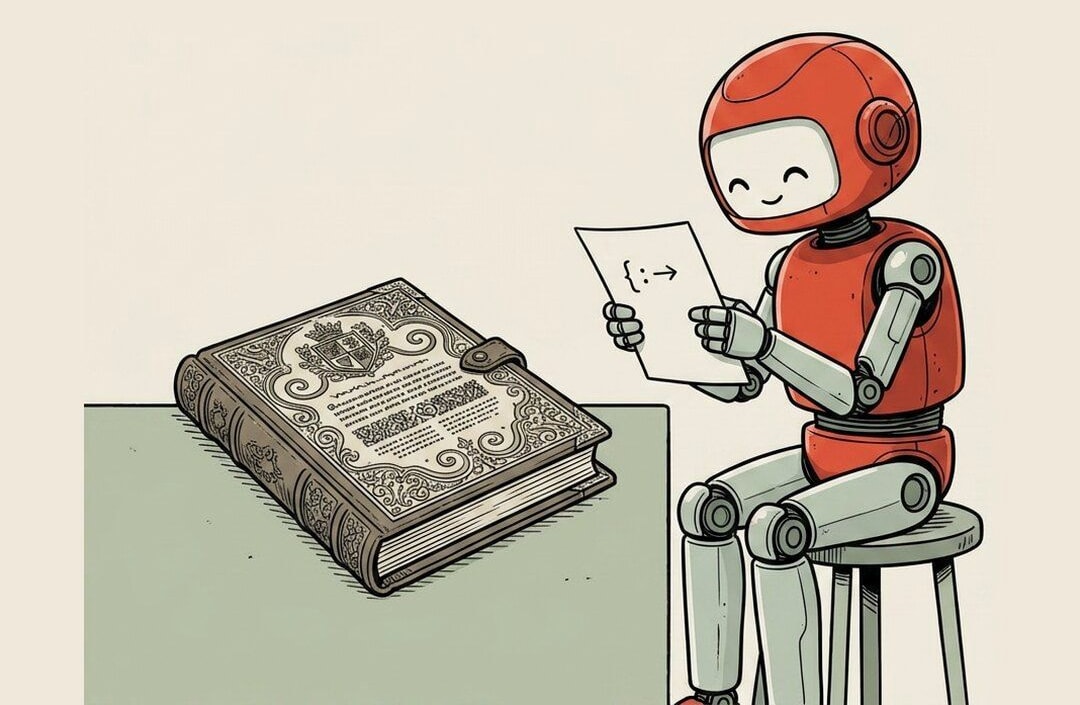
Markdown
Plain text that formats itself.
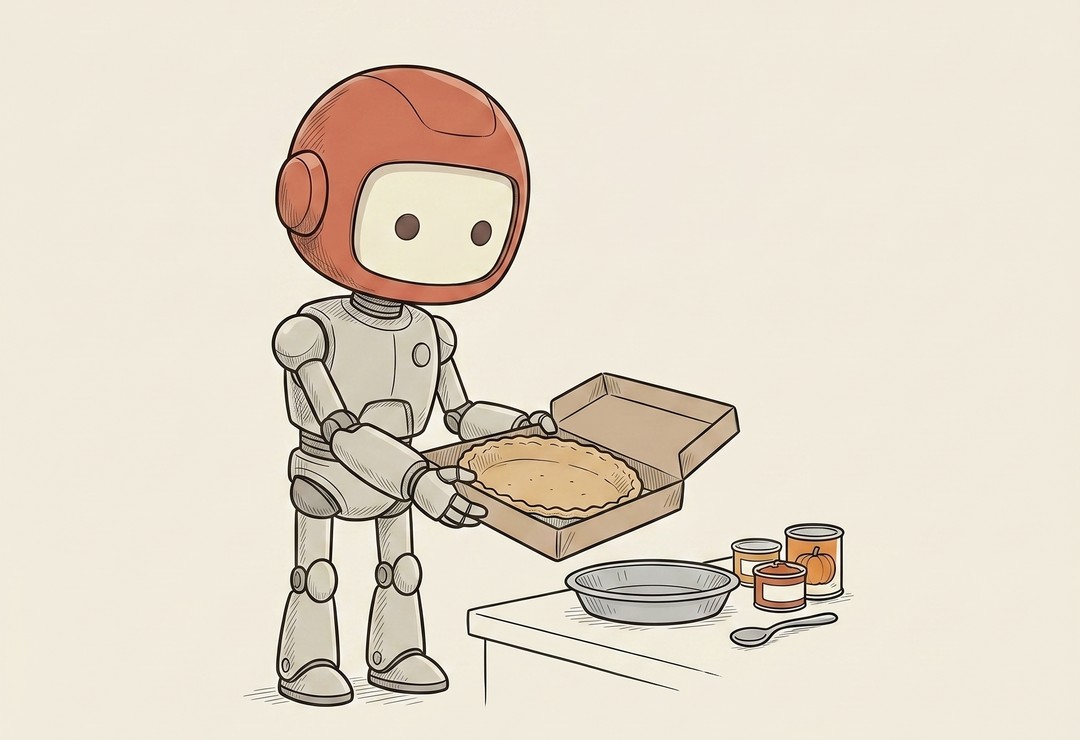
Dependency / Package
Open source is why your favorite apps aren't built from scratch.

Merge / Merge Conflict
I didn't know what a branch or a merge conflict was until I started working with outside developers.

Fork
Take someone's open-source project, the code anyone can read and use, and make your own full copy to do whatever you want with, independent of the original.
APIs & Connections 14 terms

SDK
A toolkit for building on a service.

Webhook
An app that pings you the moment something happens.
Endpoint
One specific address on an API.

REST API
The common rulebook most APIs follow.
HTTP Methods
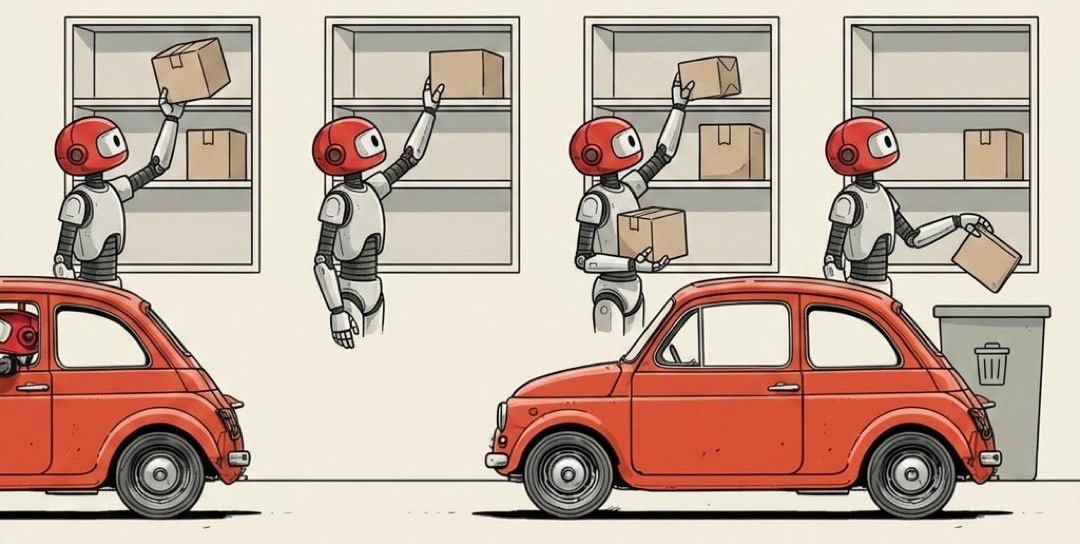
Get, create, update, delete. The verbs of the web.
Env File
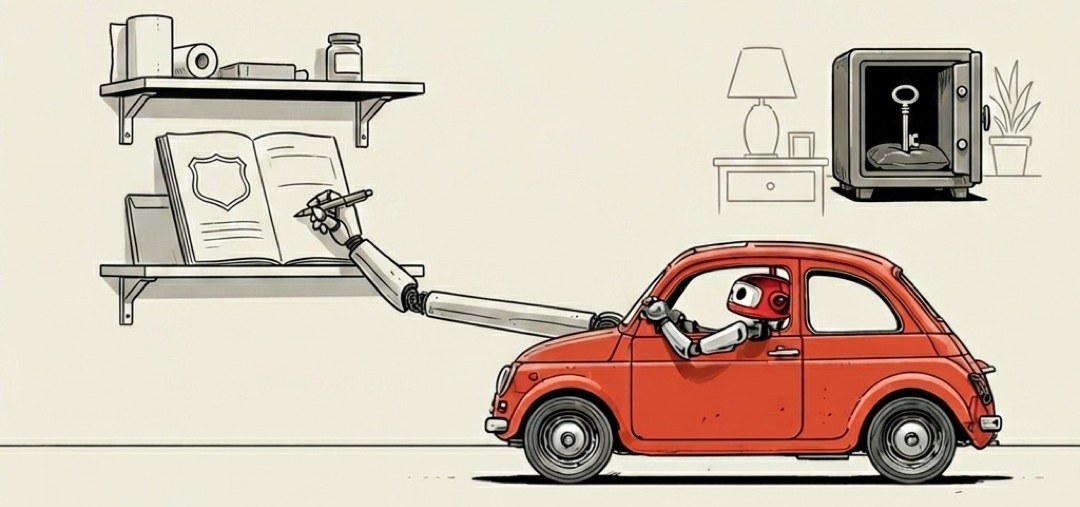
Where your secret keys live, out of the code.

Schema
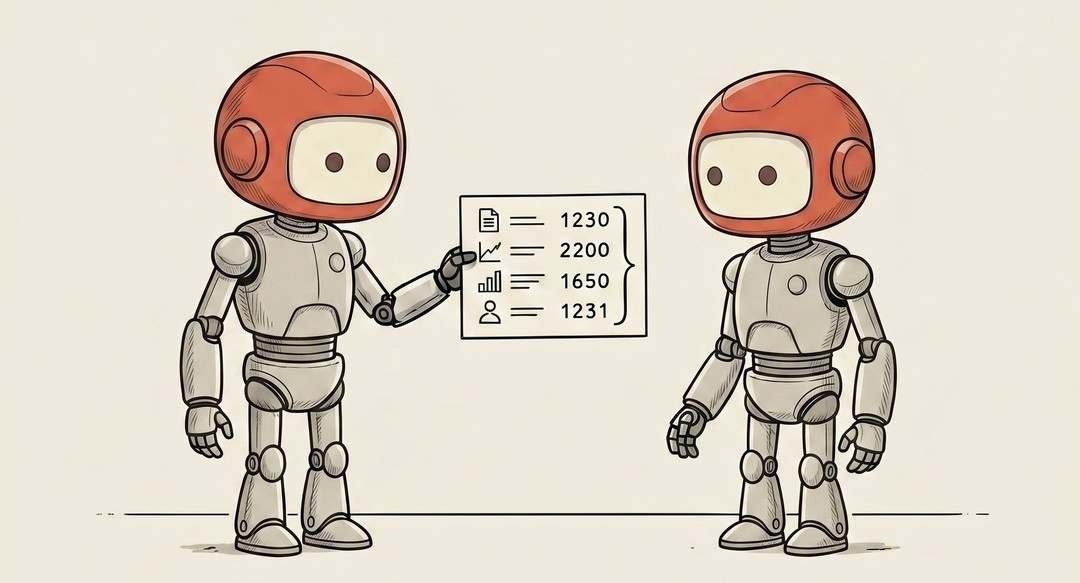
Picture a printed order form with labeled boxes, and each box is a specific shape.
JSON
Almost every time two pieces of software pass information to each other, it's written on the same little note card.
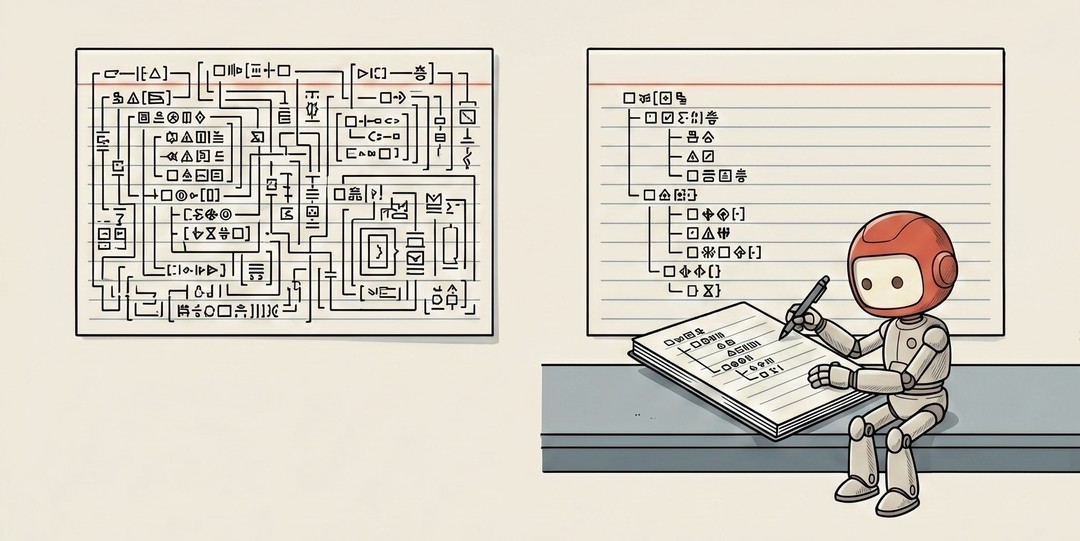
YAML
JSON is easy for machines and a little hostile to humans.
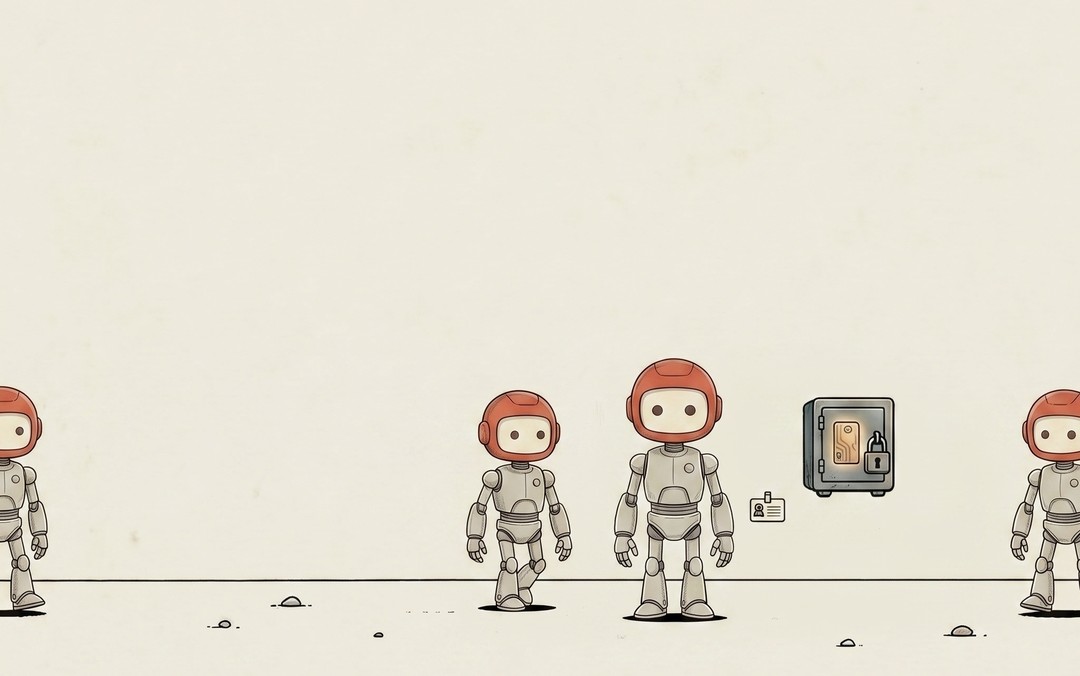
Secret
Some of the strings of characters your software uses are harmless name-tags.
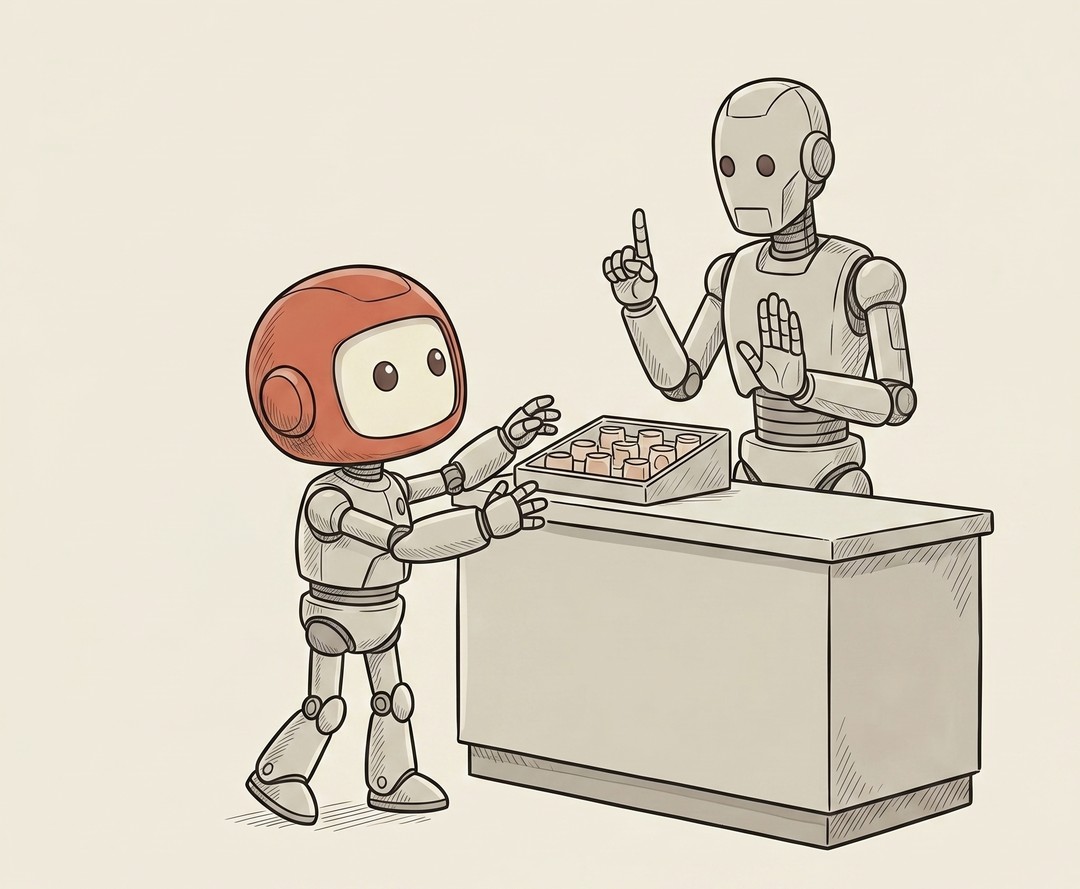
Rate Limit
Sooner or later your AI comes back with 429 Too Many Requests, and it feels like you broke something expensive.
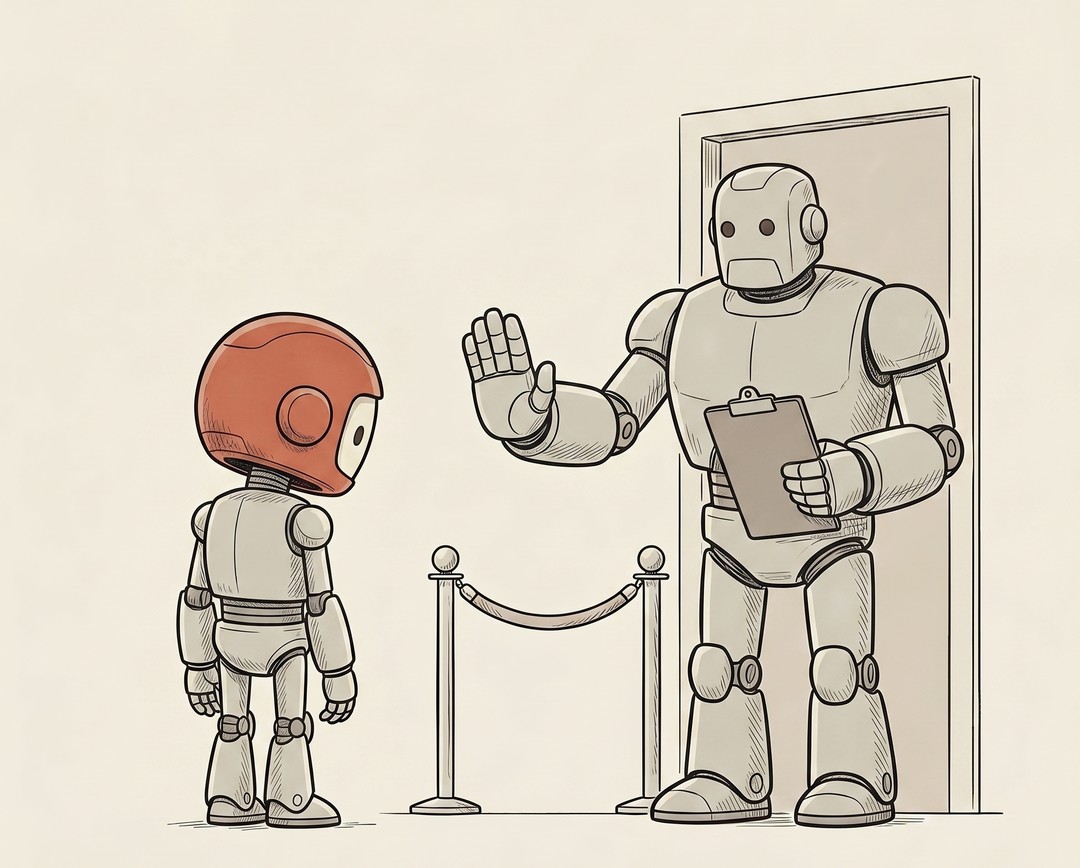
CORS
The most baffling error a new builder ever hits reads "blocked by CORS policy." It sounds like you did something illegal.
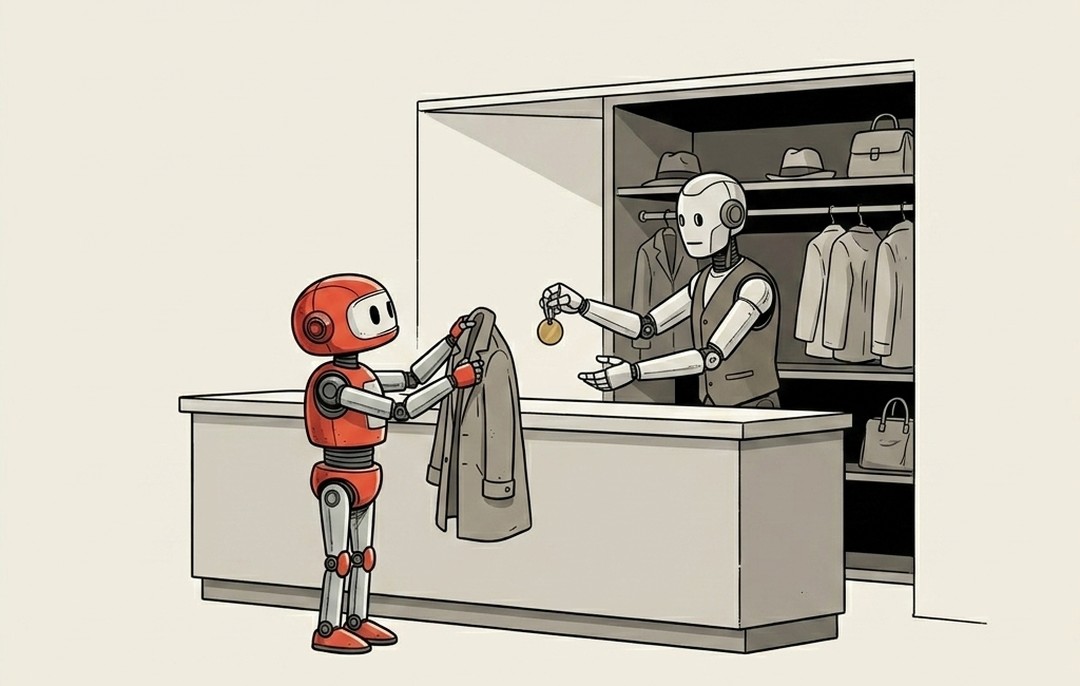
Cookie
You've clicked "accept cookies" thousands of times without anyone ever telling you what you were agreeing to.
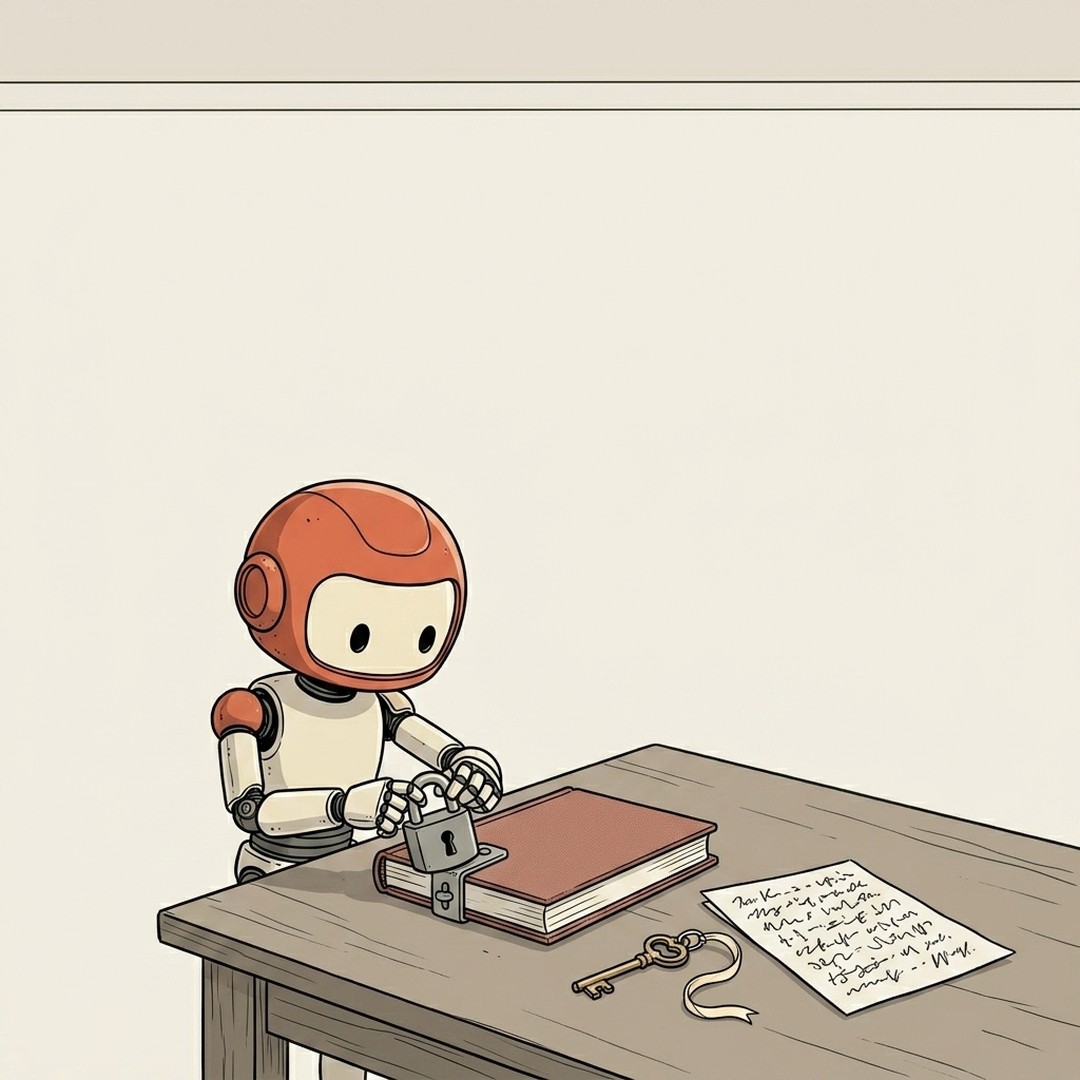
Encryption
You send a credit card number across the internet and it passes through who knows how many machines on the way to the store.
Shipping & Running 25 terms

Deploy
Push your work live for the world to use.
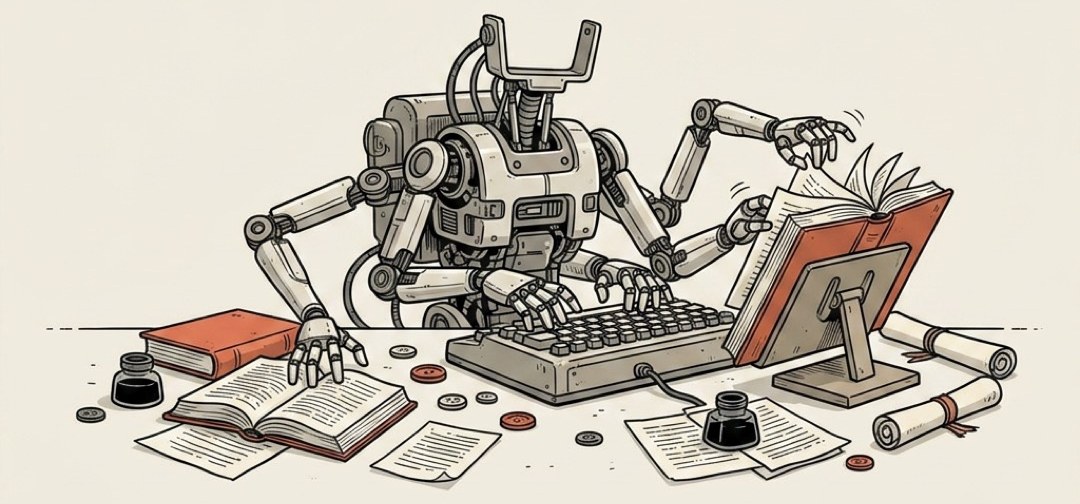
Headless
Software that runs with no screen, nobody watching.
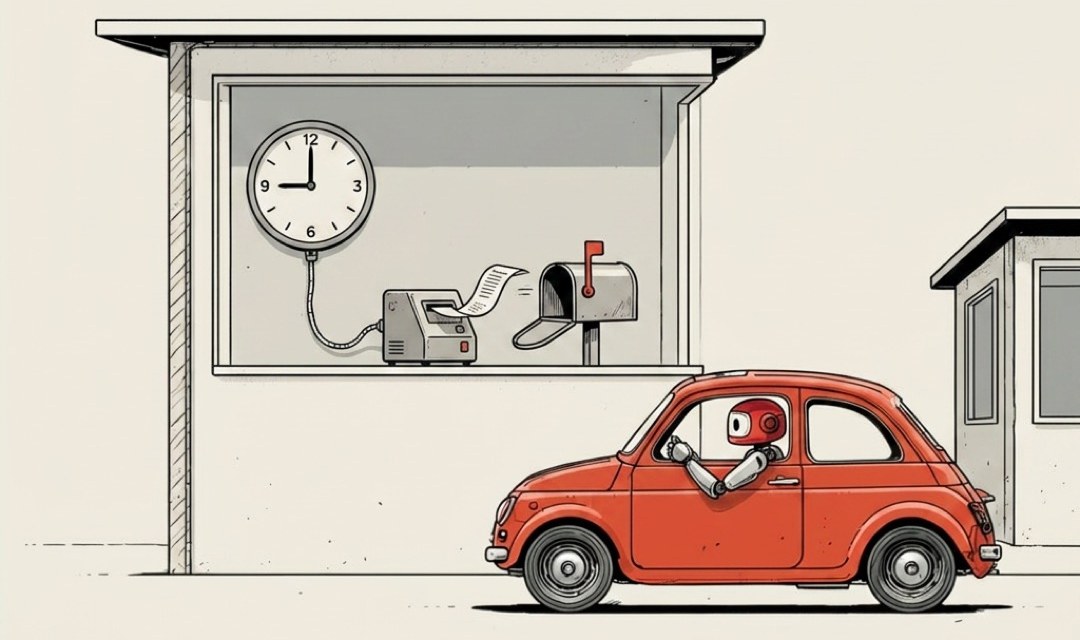
Cron Job
An alarm clock that runs tasks on a schedule.
DNS
The internet's phone book for site names.

CDN
Copies of your site kept close to every visitor.
Object Storage
A giant bucket for files on the internet.

Serverless
Rent computing by the moment, no server to babysit.
Edge
Running code close to your users, not far away.
Worker
A small program that runs one job on demand.

Runtime
Your code is not the program.
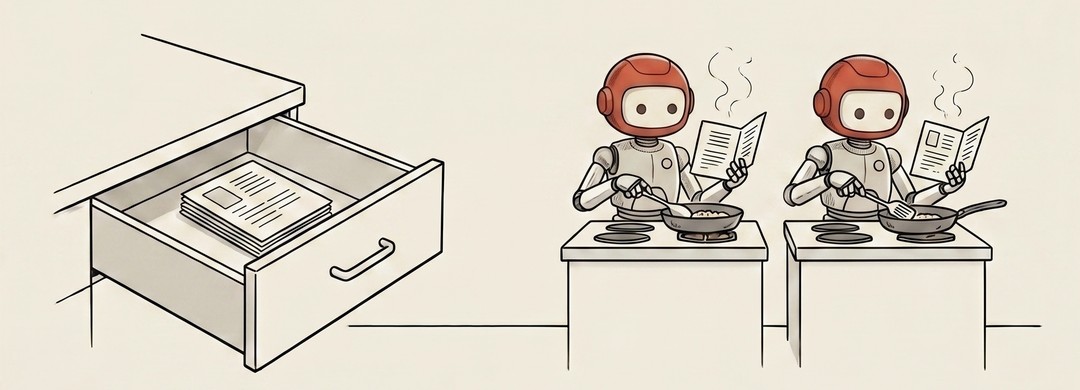
Process
There's a PDF on your desktop right now.
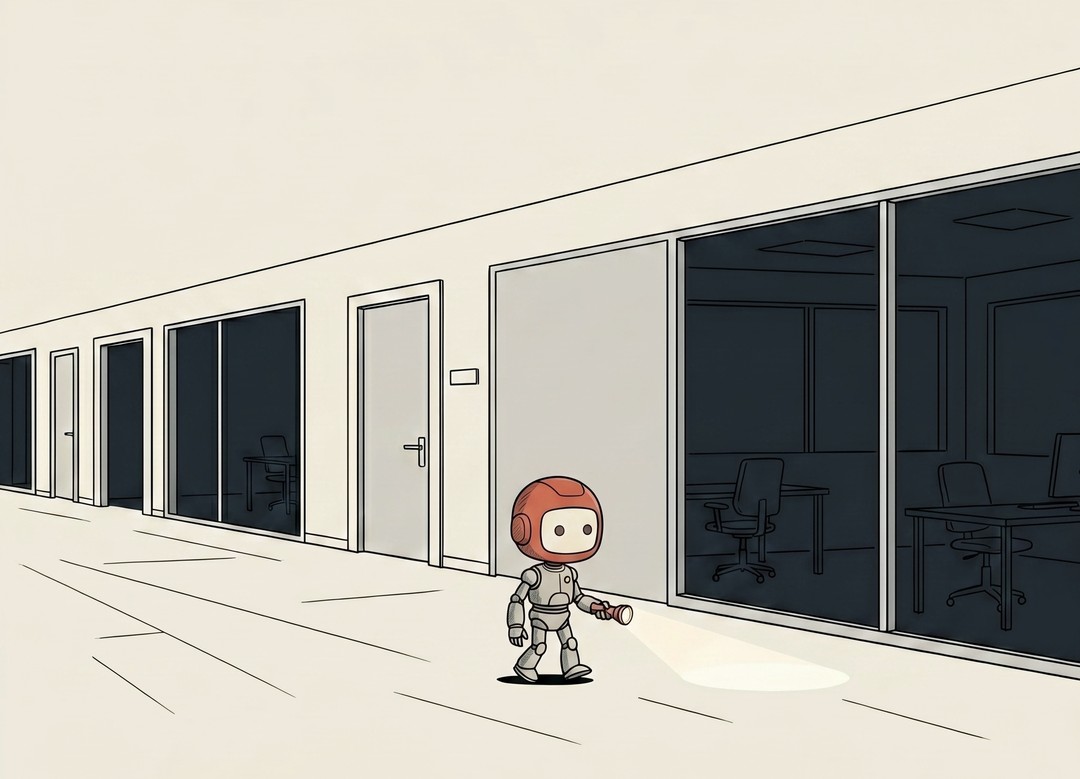
Daemon
Not demon.
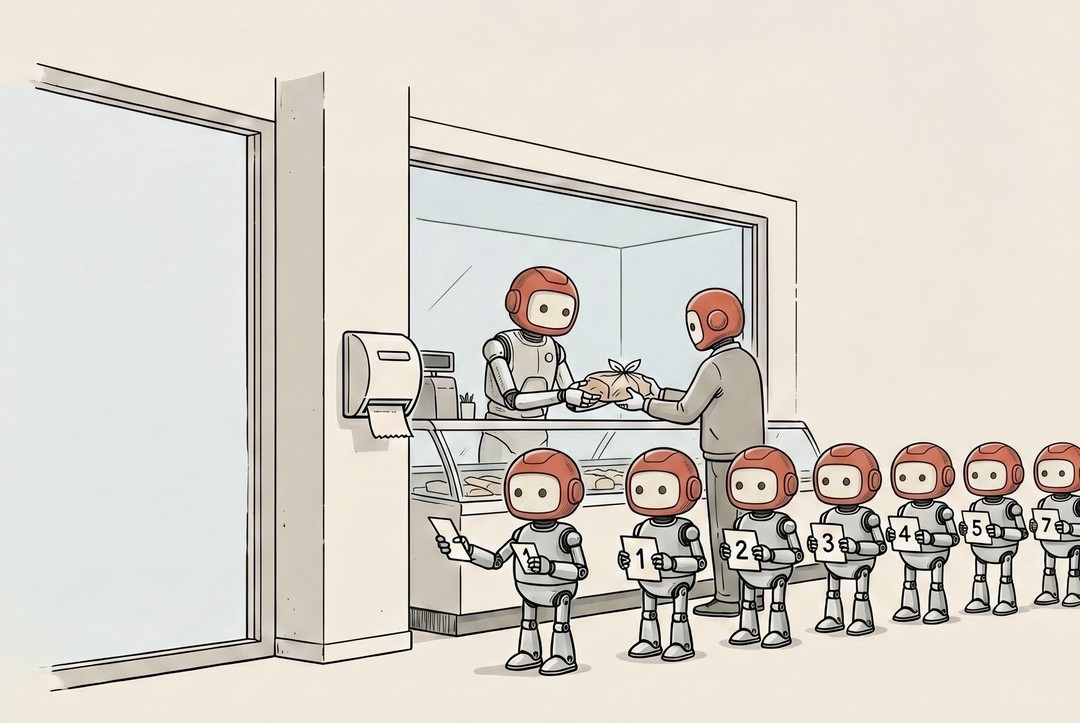
Queue
Your agents can work fast.
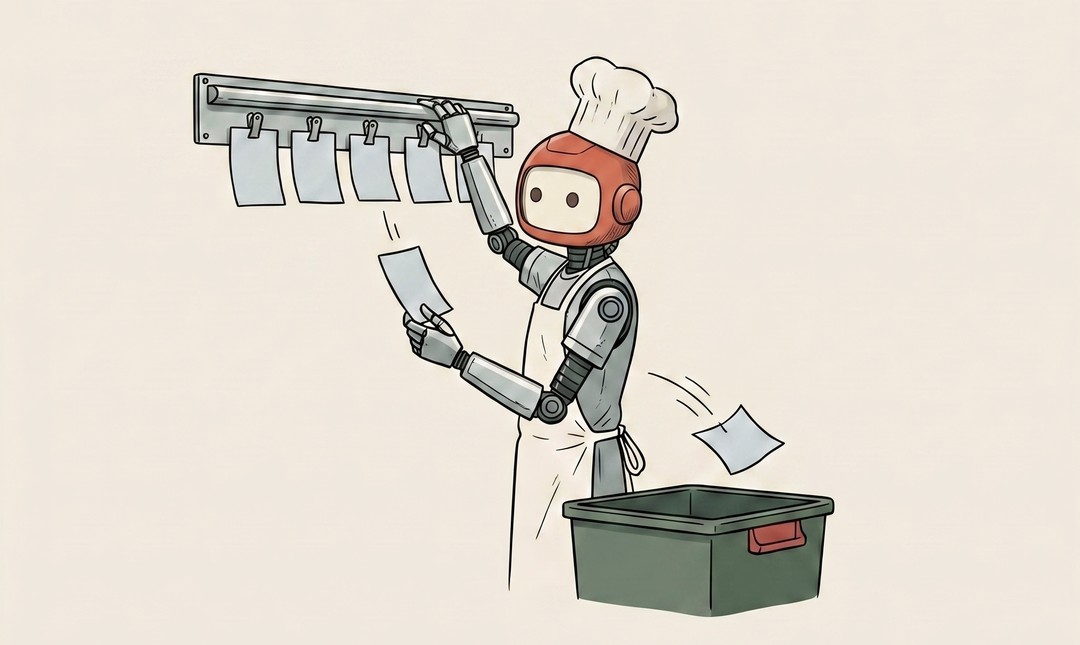
Job
One specific piece of work.
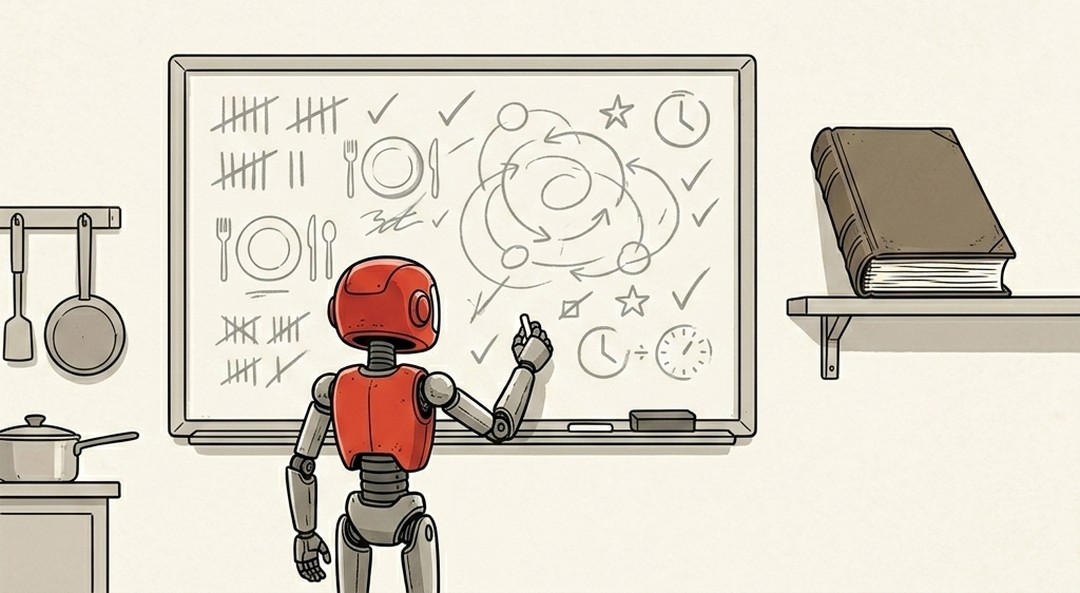
State
When you're mid-sentence in a draft email and your browser crashes, the draft is gone.
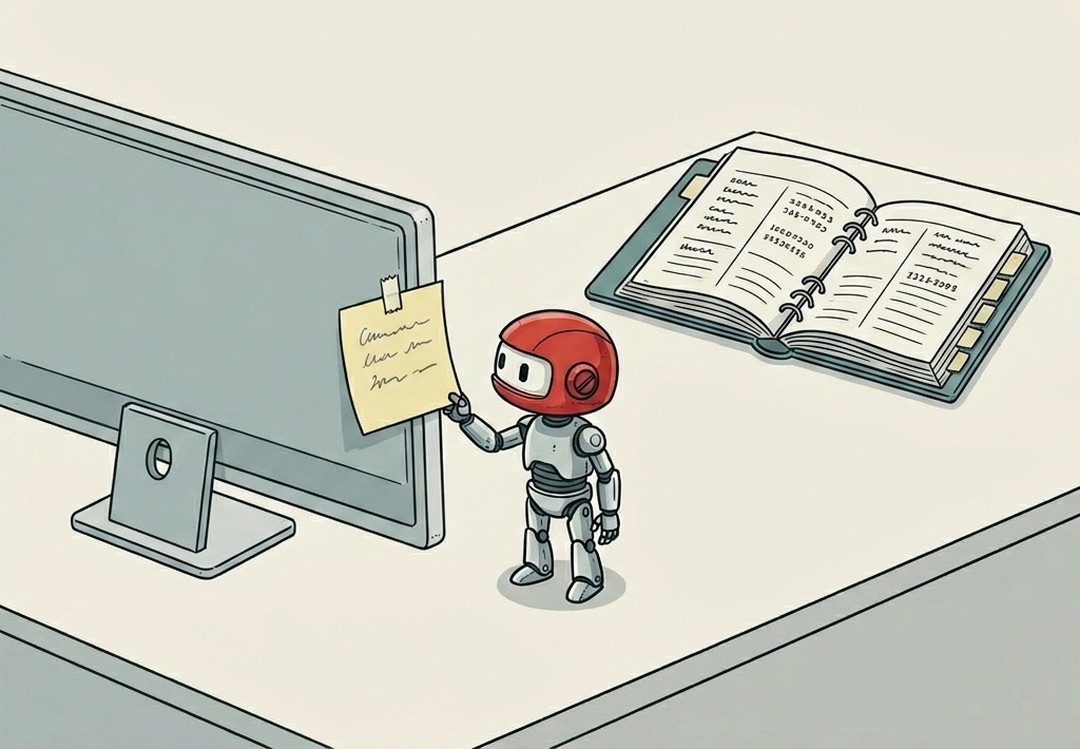
Cache
The chef could reach into the walk-in refrigerator every single time she needs garlic.
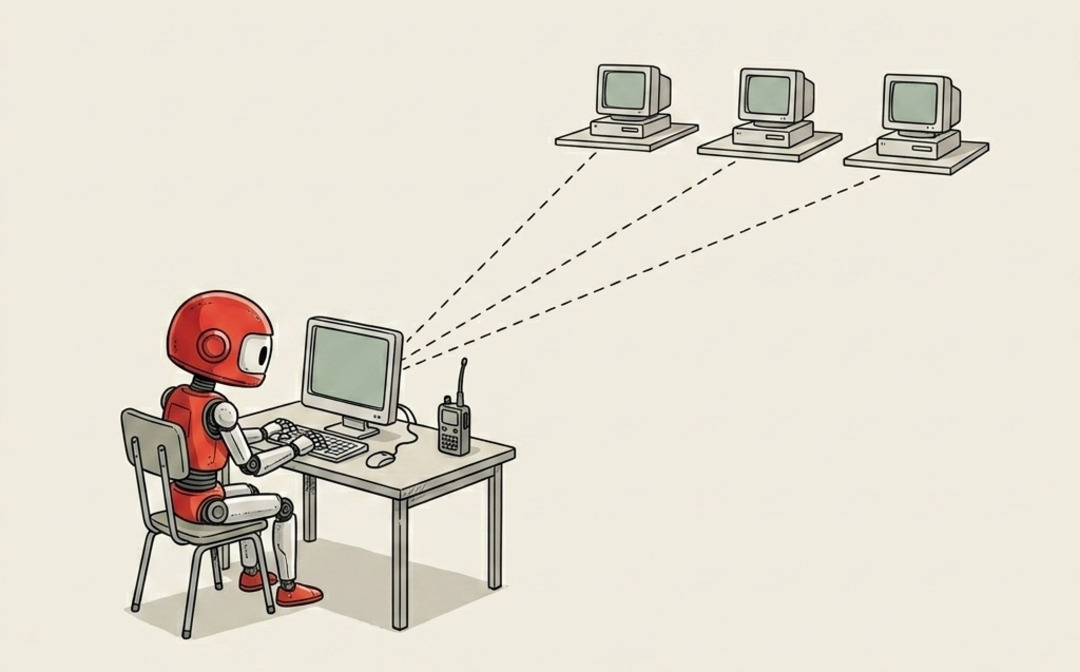
SSH
Not screen sharing.
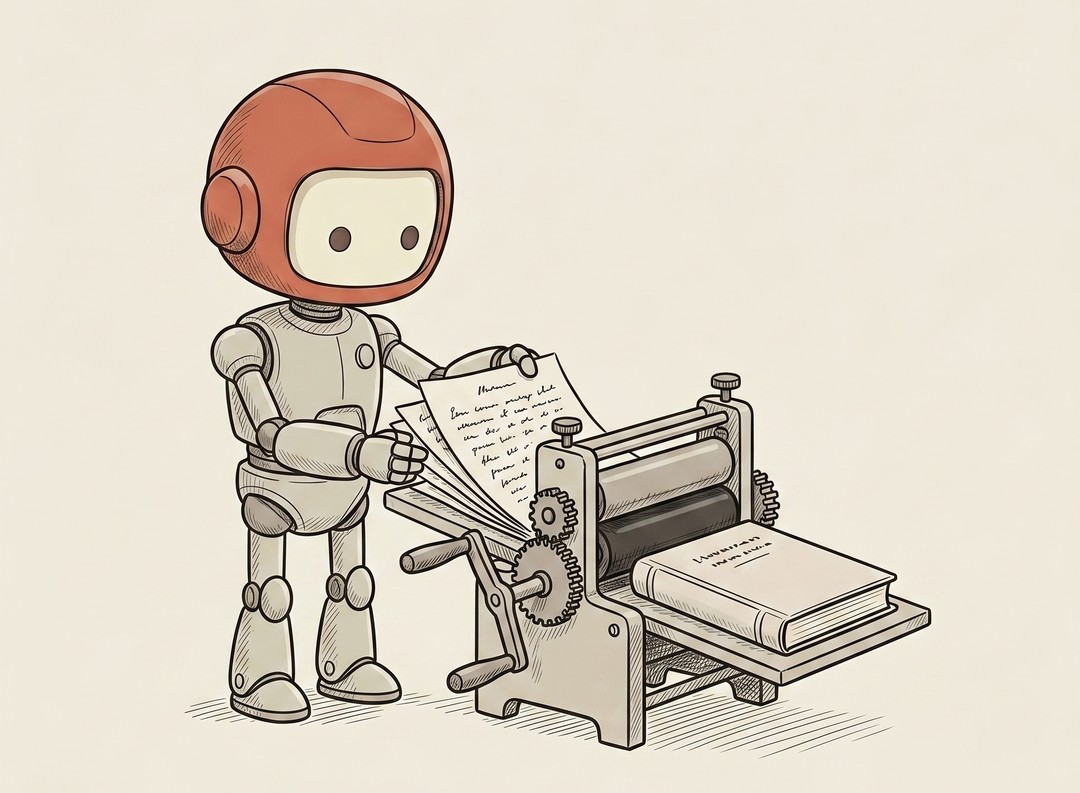
Build / Compile
"The build failed." For the longest time I didn't even know "build" was a step.
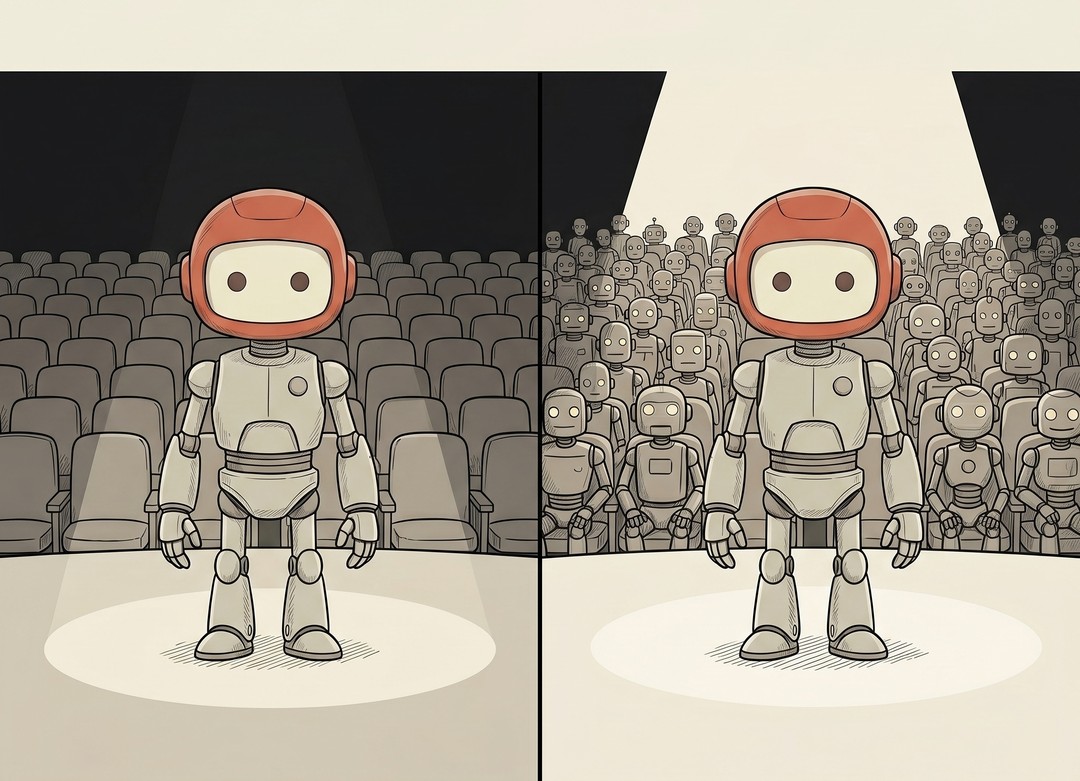
Staging vs Production
Deploy is the house doors swinging open and the audience walking in.
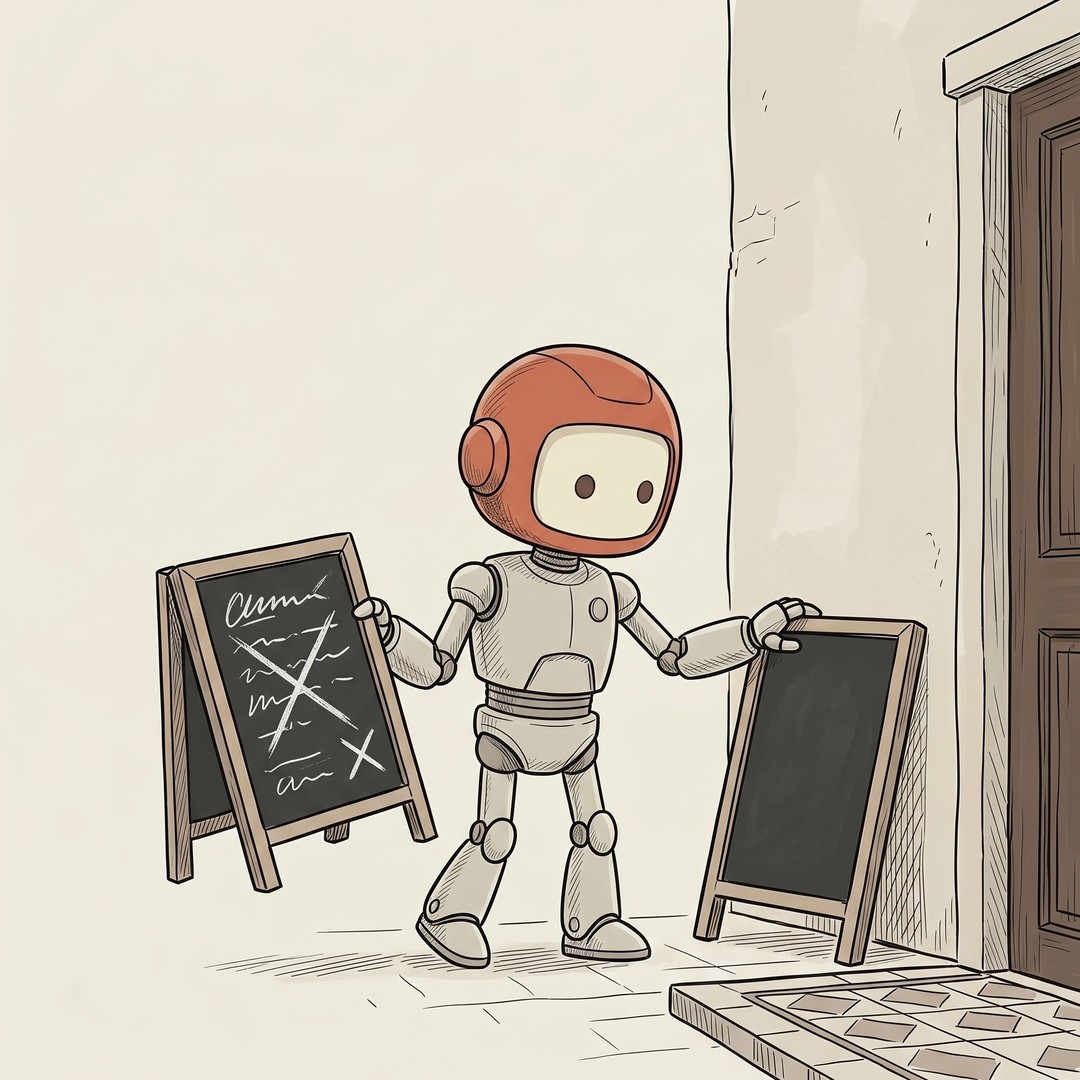
Rollback
Shipping the broken version is not the disaster.
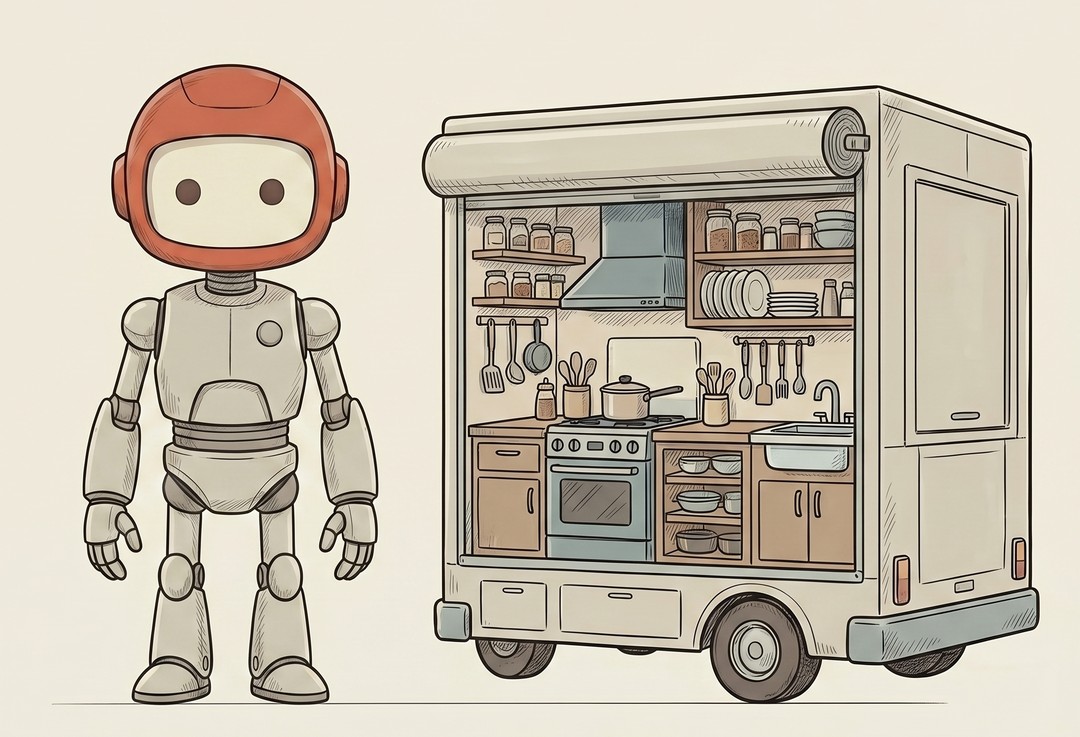
Container / Docker
"But it works on my machine" is the oldest excuse in software.
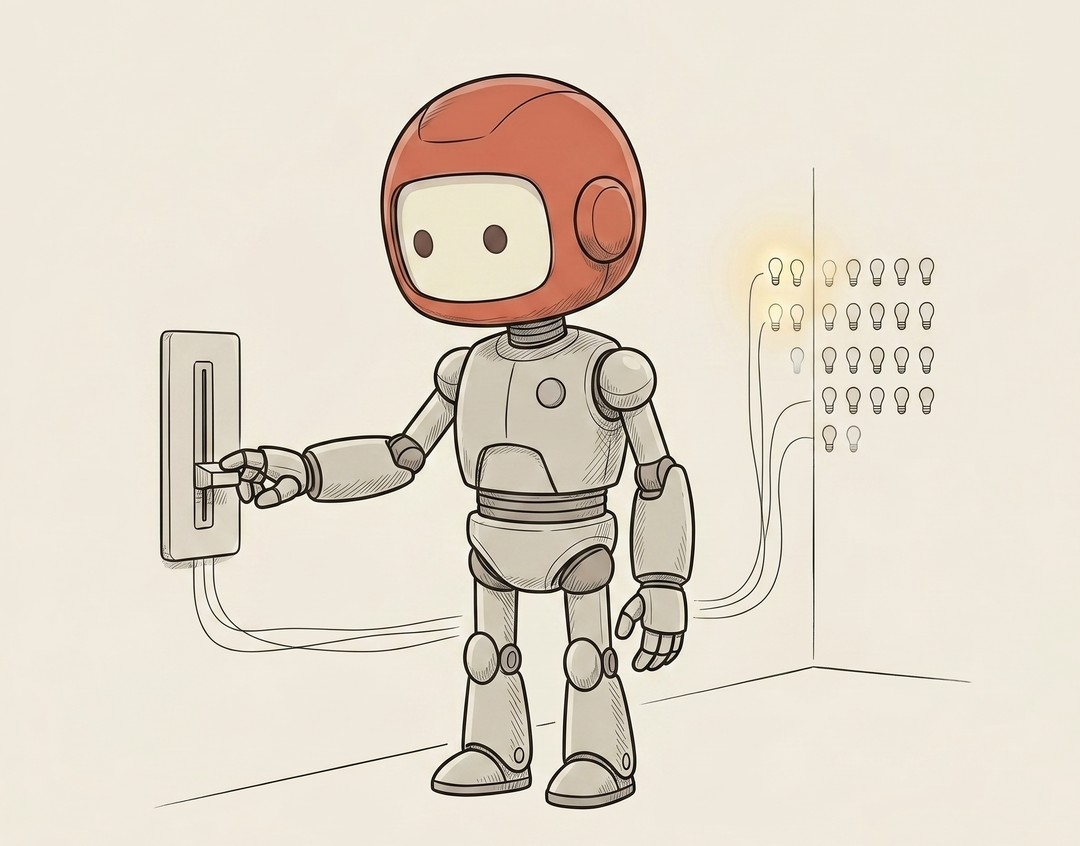
Feature Flag
A feature flag is a switch inside your live app that turns a feature on or off without shipping new code.
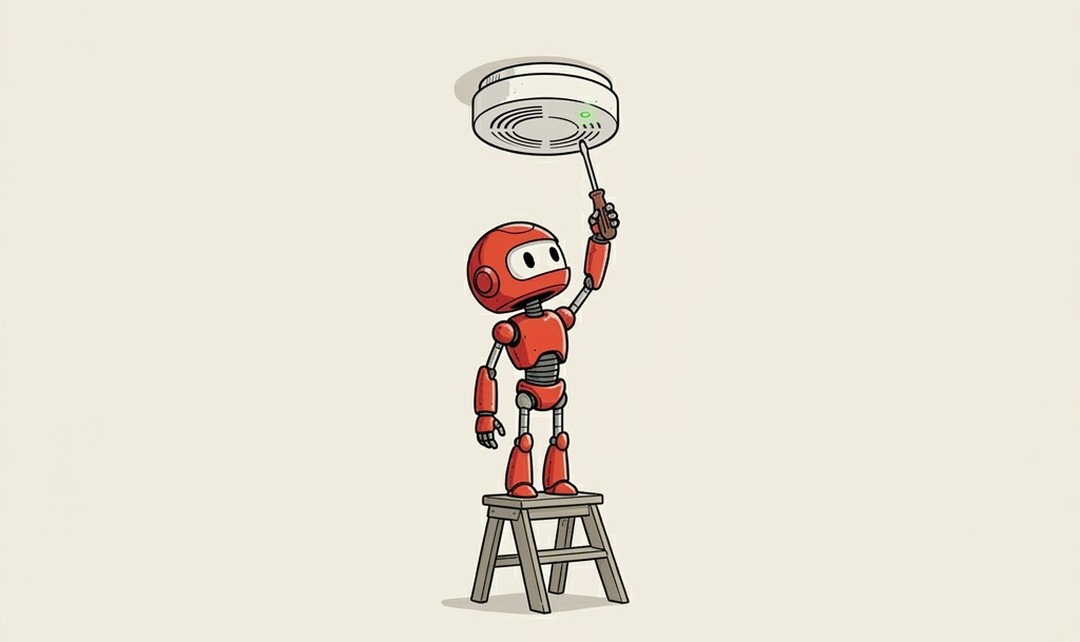
Test / Unit Test
How do you know the code you wrote still works, not just today, but after the next change, and the change after that?
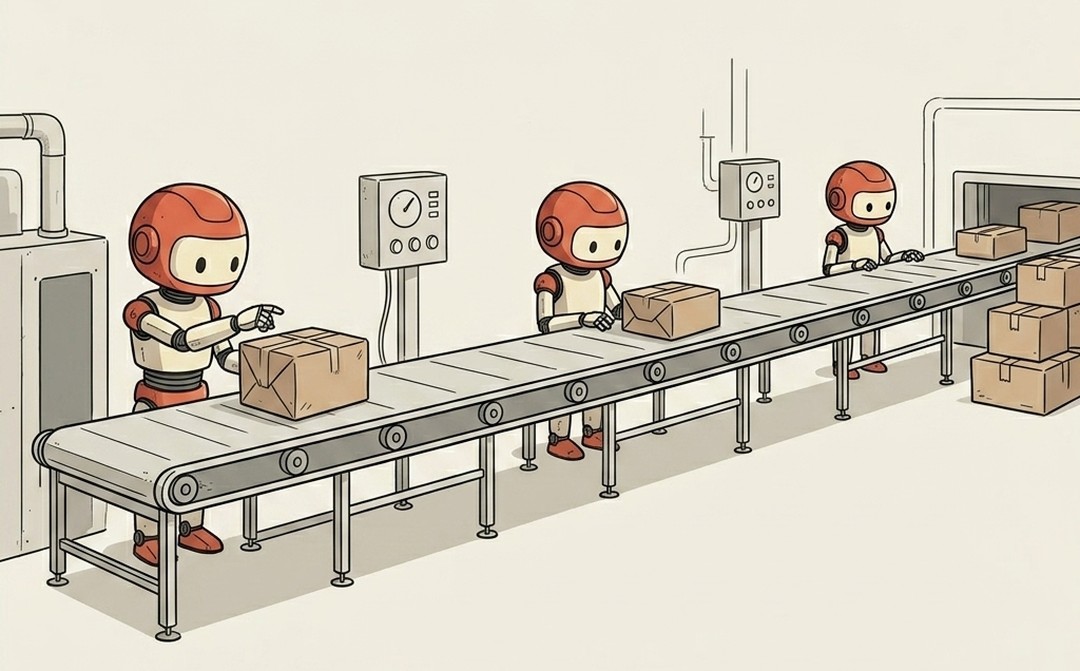
CI/CD
Imagine every time you finished a change, a robot automatically grabbed it, ran every test, built the app, and shipped it, all without you touching a thing.
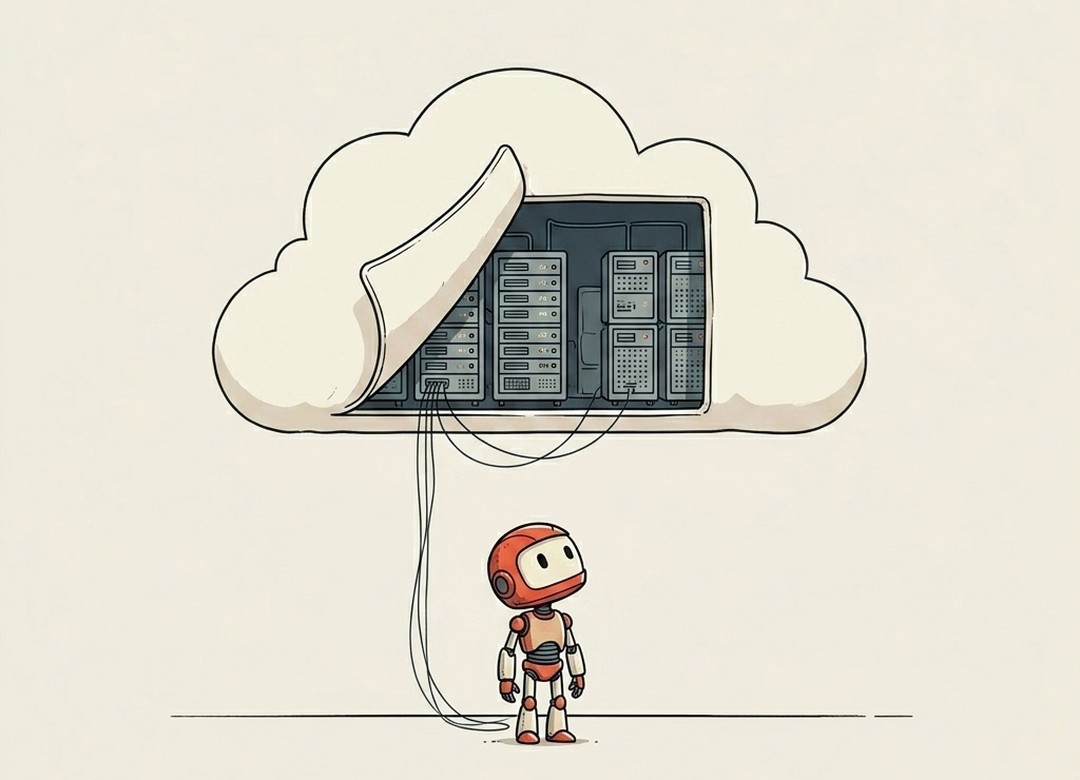
The Cloud
The hundredth word, and one everyone says without quite being able to picture it.
Debugging & Errors 7 terms
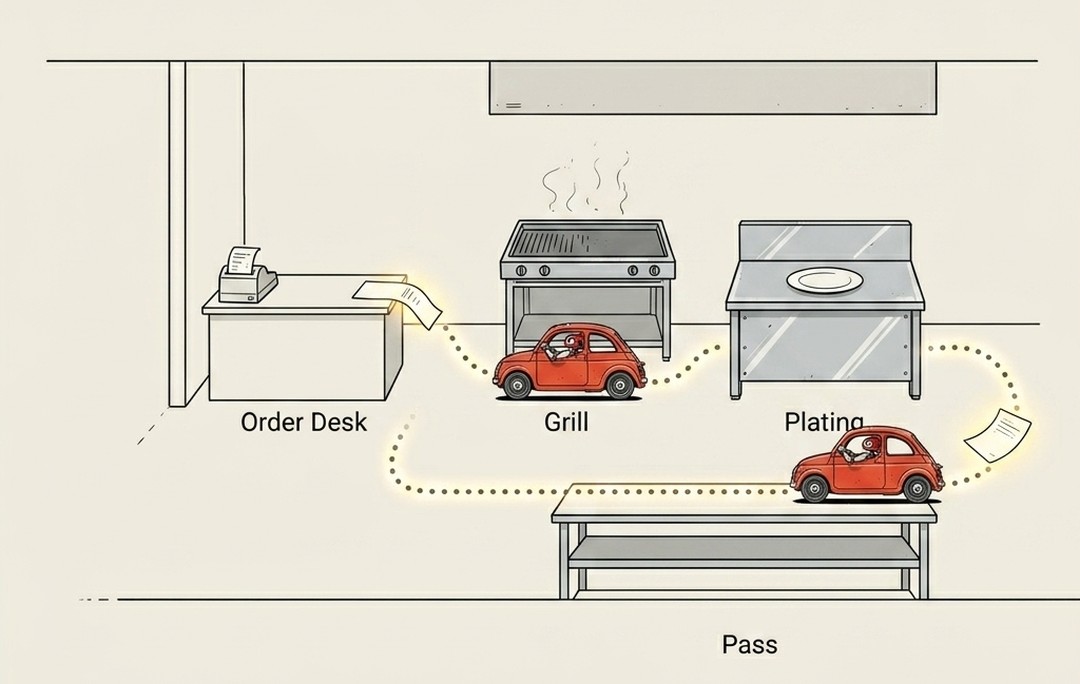
Trace
Something in your app is slow, and "the app is slow" tells you nothing useful.
Type / Type Error
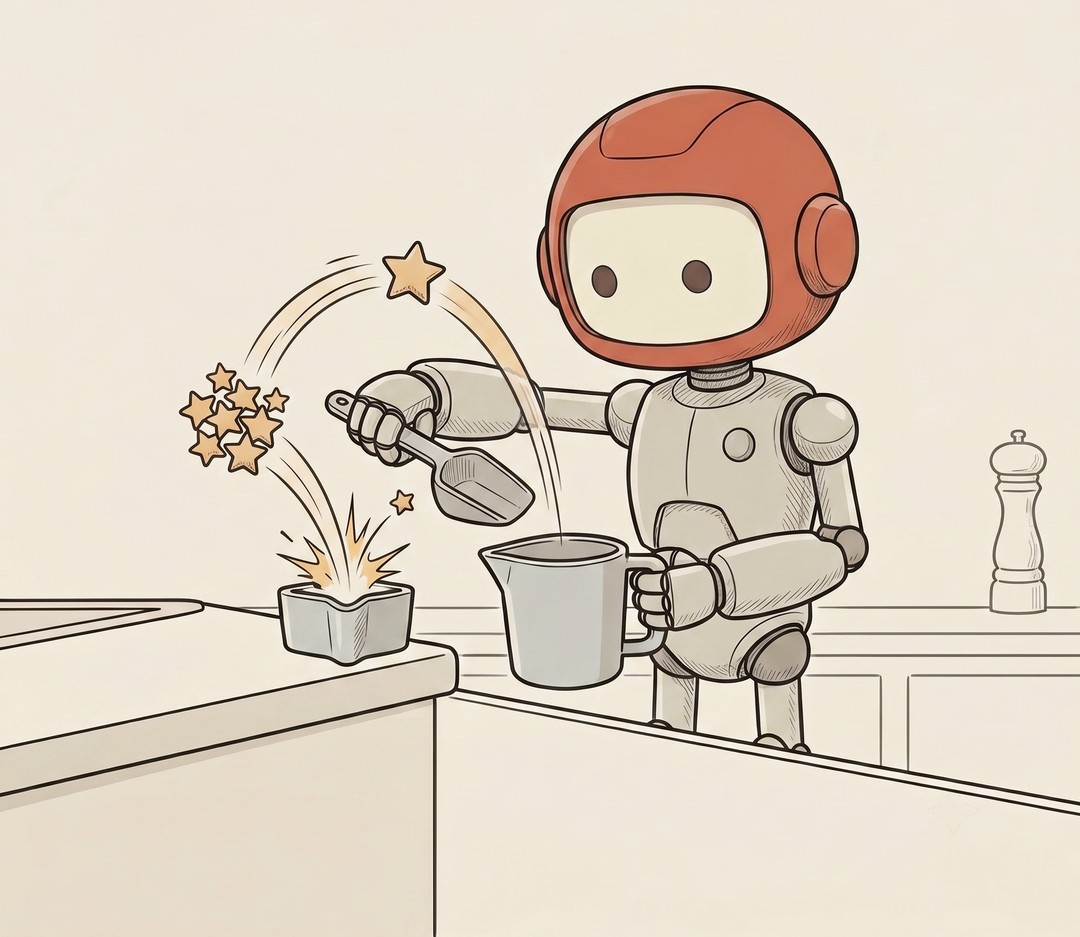
Half the time your build dies, it's not some deep bug.

Stack Trace
When your code crashes, it doesn't just die quietly.
Log
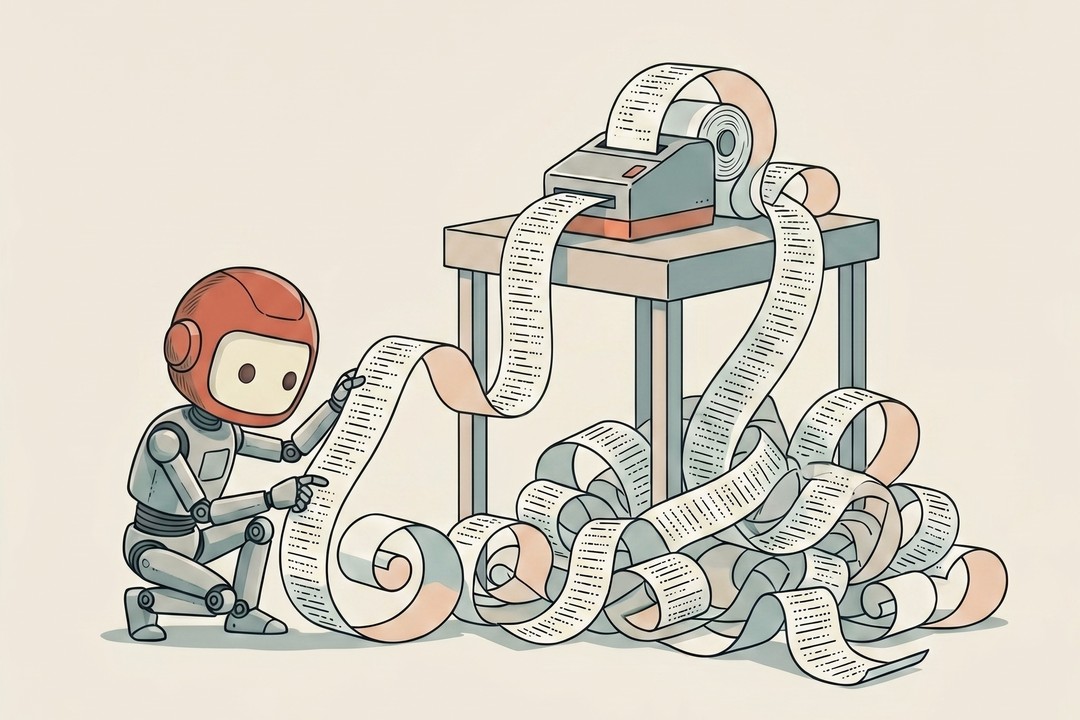
Picture a receipt printer that never stops.
Bug
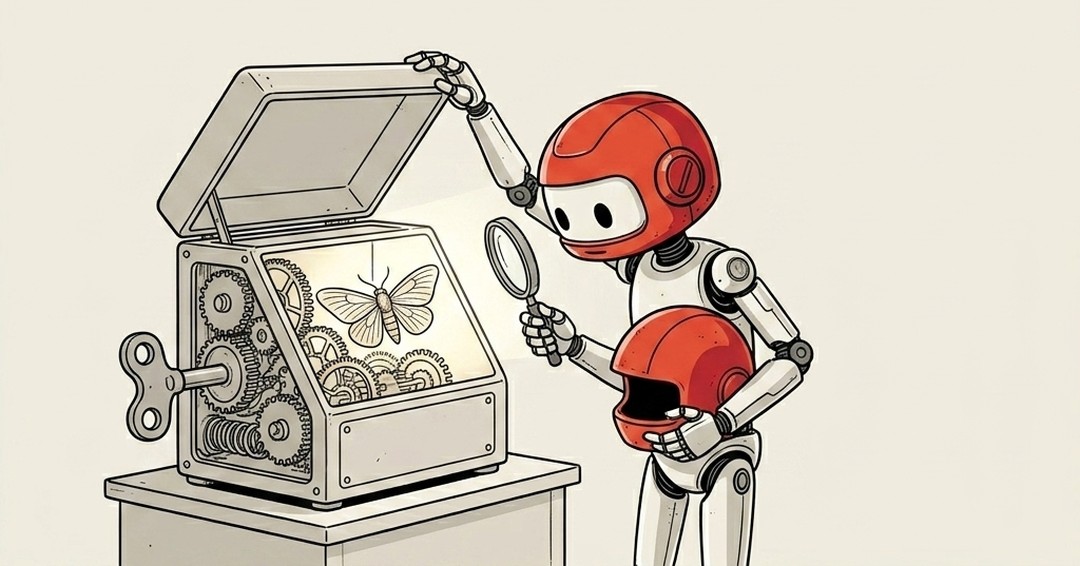
When something in software breaks, everyone calls it a bug.
Patch
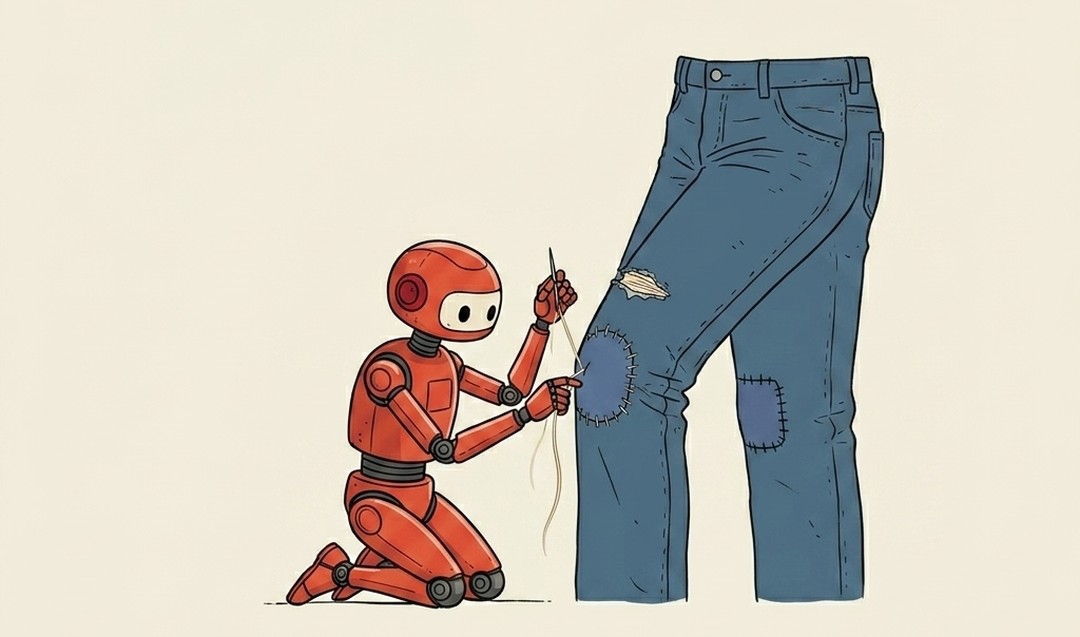
You fixed the bug.
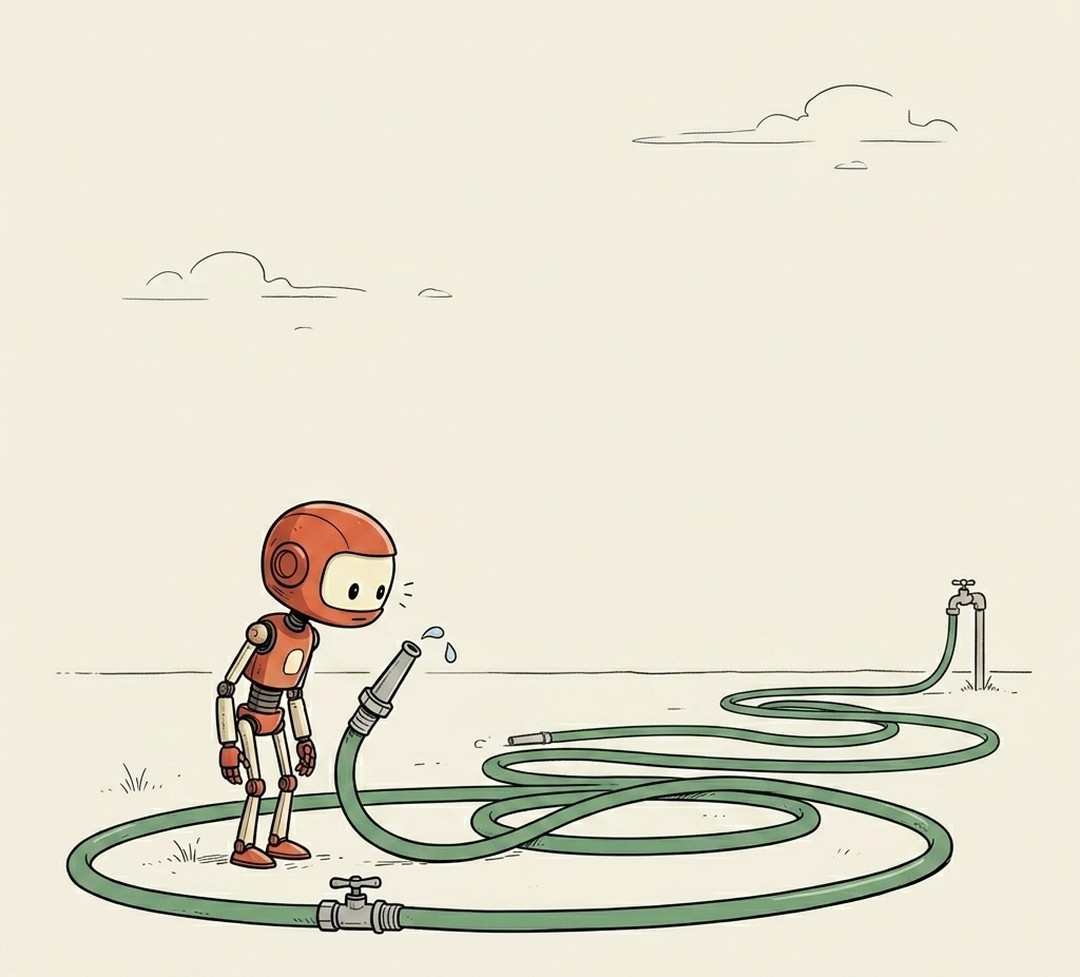
Latency
You click something and there's a beat, a small hang, before anything happens.
How Developers Think 6 terms
Why this exists
I tried to learn to code three separate times before AI. Maybe got 10 or 20 GitHub contributions total. All three times I quit, setting up environments or some minutae that got me stuck.
Realized I don't care so much about coding as I do about just building ideas.
Since I made the switch my github contributions look much different. One prompt I started using a lot was this:
"Explain [term] to me in plain English. Like you're talking to a smart high schooler."
That's it. Every time I hit a word I didn't understand from a first principles standpoint (API, webhook, context window, deploy). I'd stop and ask.
Not "teach me to code." Just "what does this word actually mean for real?"
Once I had the words, I could ask better questions. Once I could ask better questions, I could build better things.
So I'm turning that into a thread. One tech term at a time, explained in plain english for any previous non-technicals like me.
This isn't for devs.
Bookmark this. It starts below.

API
TLDR:How your AI talks to other apps.
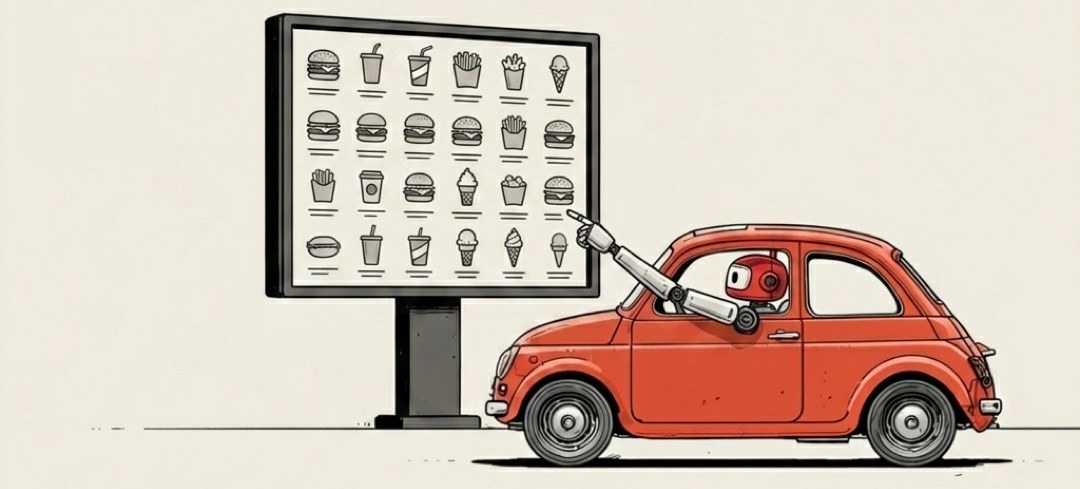
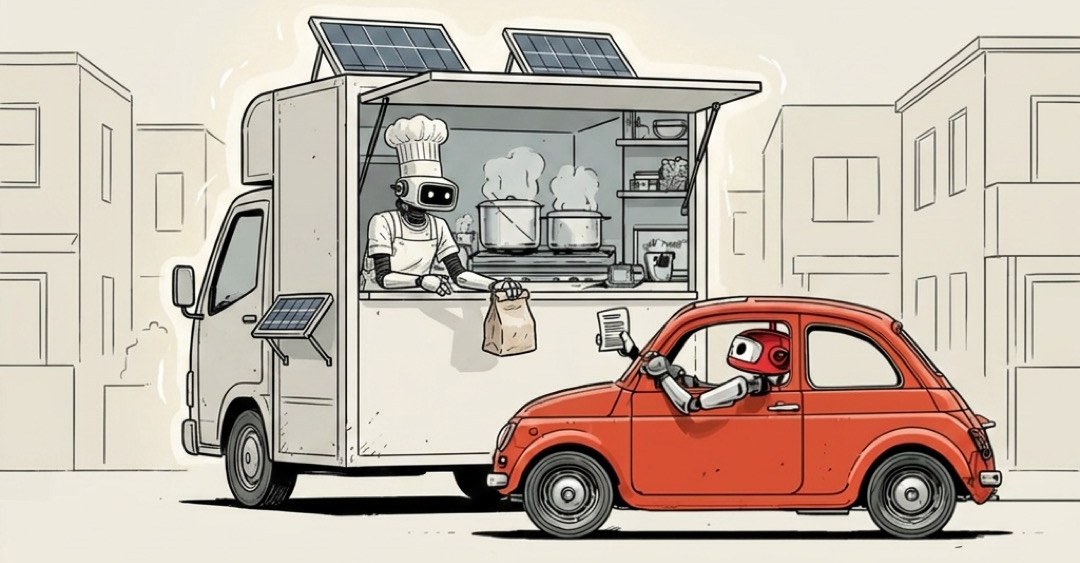
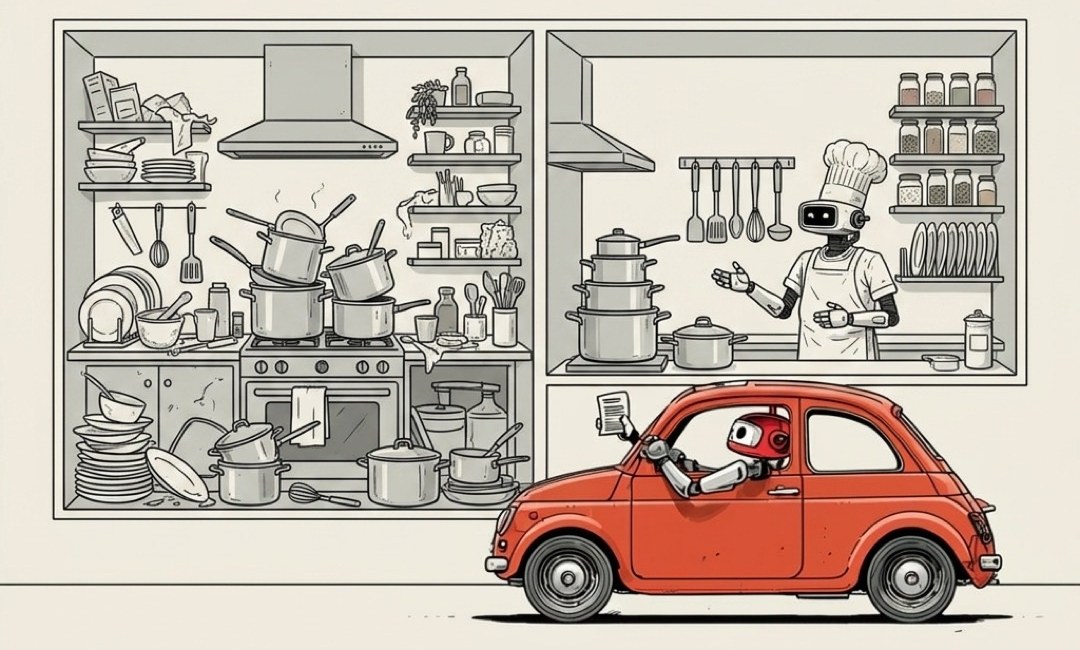
If you've ever used a drive-thru, you already understand APIs.
Your AI doesn't have hands. It can't log into your apps, click buttons, or fill out forms for you. But it doesn't need to. Shopify has an API. Klaviyo has an API. Slack, Stripe, Google Calendar, Notion. Almost every app you use has one. The API is how your AI actually gets things done in the real world.
So picture the drive-thru.
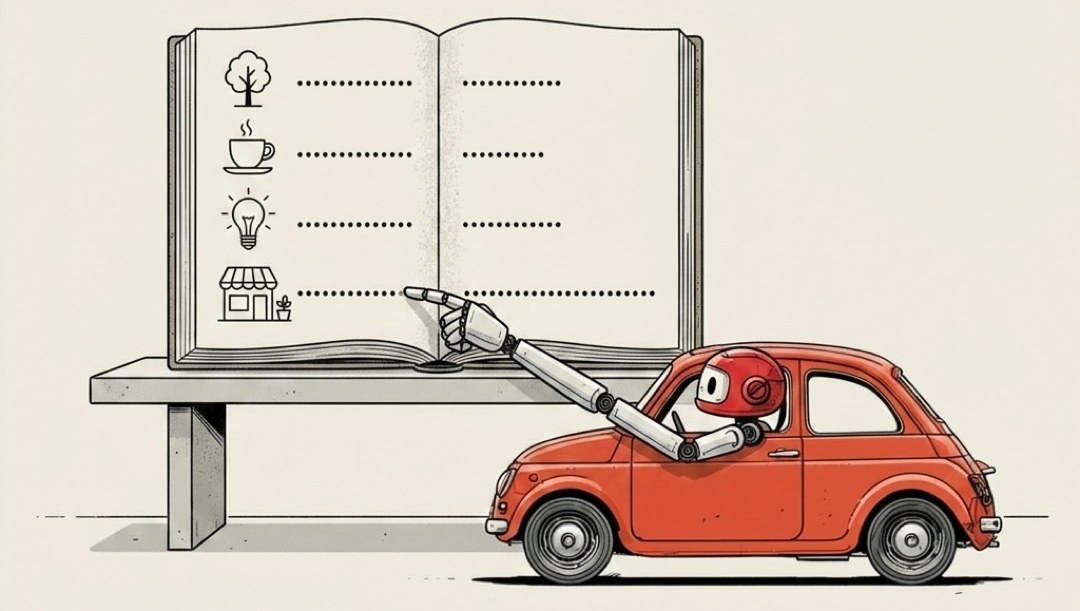
Your AI pulls up to the window. There's a menu bolted to the wall:
- send this email
- update this product
- fetch these orders
- post this message
It reads the menu, places an order, and the kitchen does the work. Your AI never walks inside. It never logs into your account. It just orders off what's posted at the window, and the food comes out.
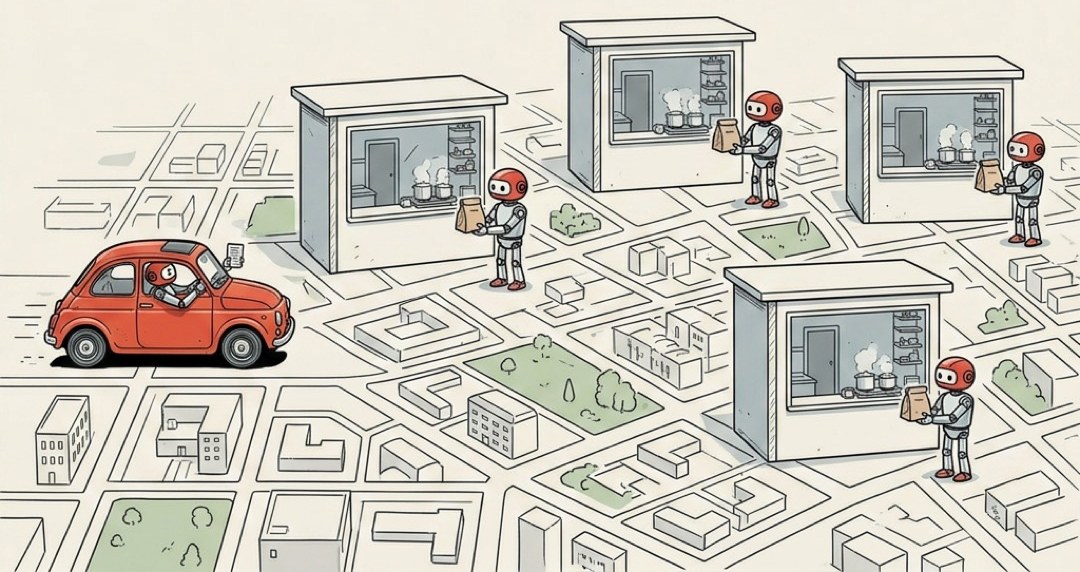
That's an API. The window between your AI and somebody else's software.
The first time I wired my AI into Shopify, I expected to write some big scary script. I didn't write code to pull my orders. I handed it the key and it ordered "fetch these orders" off the window. That was the whole job.
The menu is also the safety.
The only things your AI can do are the things printed on that menu. That's it. If "delete every customer" isn't on the menu, your AI literally cannot order it. The window doesn't take requests that aren't listed. So an API is a fence as much as a doorway. The app decides exactly what's on offer, and everything else stays locked in the back where nobody at the window can reach it.
This is why companies are comfortable opening a window at all. They're not handing you the keys to the kitchen. They're handing you a menu they wrote, with a fence around everything they didn't.
Every window needs a key.
To pull up to the window, your AI needs to prove it's allowed there. That proof is the API key: a long, random string of characters that basically says "this order is coming from my account, charge it to me, let it through."
One rule matters more than all the rest, so I'll say it plainly:
Never paste your API key directly into your code.
Code tends to end up on GitHub, and a lot of GitHub is public, meaning the entire internet can read it. Leave your key sitting in the code and you've taped your credit card to the drive-thru window for anyone walking by. People run bots that scan GitHub for exactly this. They find a leaked key, and within minutes they're ordering off your menu on your dime. Keys live in a separate, hidden file instead. More on where the secrets go later.
What this unlocks for you
Once you see the window, a lot of "how does AI actually do stuff" clicks into place. A few things APIs let your AI do without you lifting a finger:
- Pull last week's orders out of Shopify and summarize them
- Add a new subscriber to your Klaviyo list the second they sign up
- Drop a message in a Slack channel when something breaks
- Create a calendar event, send an email, update a price
None of that is the AI being clever with words. It's the AI placing orders at windows that were already open.
Without APIs, your AI is just a really good talker. It can write you a beautiful email and then sit there, unable to send it. With APIs, that same AI walks up to the window, orders "send this," and it's gone.
That's the leap. Without APIs, you've got a chatbot. With them, you've got an employee.