define vibe-coding --plain-english
Vibe Coding
TLDR:Building by describing it, letting AI write the code.
If you found your way to this dictionary, there's a good chance vibe coding is how you got here. It's usually the first step into becoming more technical: how do I describe something and then make it happen?
I tried to learn to code three separate times. I quit all three. Then one day I described an app out loud, the AI wrote the whole thing, and it ran. I didn't type a single line. That moment has a name now, and the name is a little ridiculous on purpose.
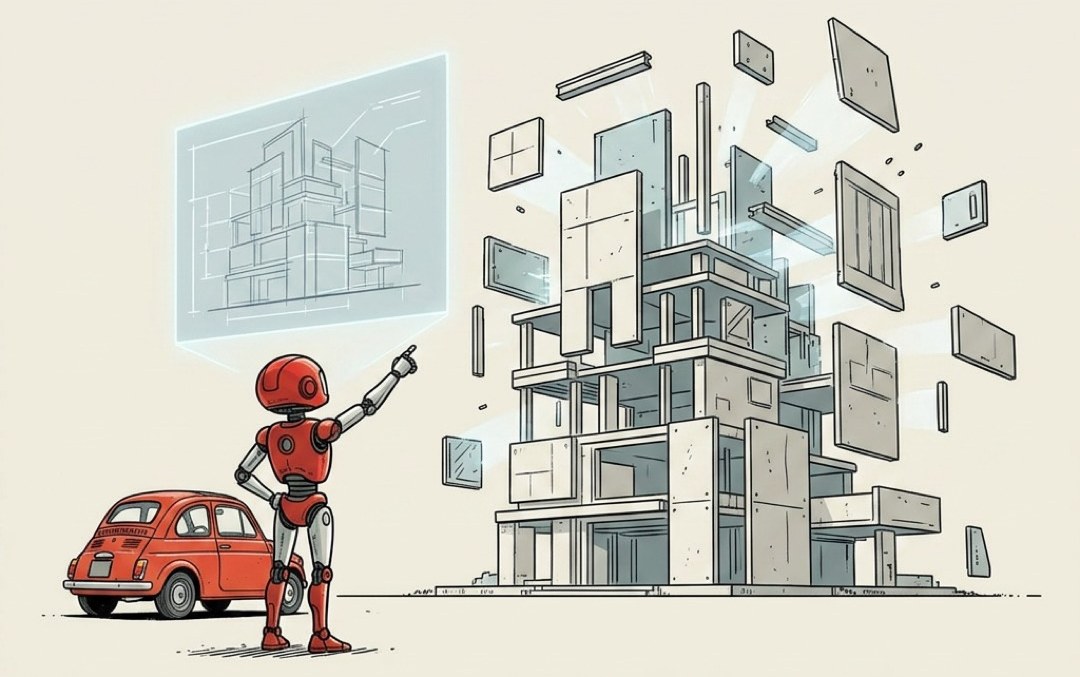
You stop being the typist and become the director.
A coder writes every line by hand. You don't. You say what you want in plain English, the AI writes the actual code, and you react to what comes out. Too cluttered. Make the button bigger. That color's ugly. You're steering on feel, the same way you'd direct someone building you a room: "no, move the couch left, that's worse, okay back a bit." You never picked up a hammer. You just kept saying hotter or colder until it was right.
The skill stops being can you write the code and becomes can you tell good from bad when you see it.
How a session actually goes. It's a loop, and it's fast:
Describe it. "Build me a page where people can upload a photo and add a caption."
Look at what it made. It builds. You open it and poke around.
React. "The upload button's hidden, and it broke on my phone."
Go again. It fixes, you look, you react. Around and around until it's good.
You're not reading the code. You're reading the result. The vibe is the steering wheel.
Why this is the thing that finally lets a non-coder build. Every time I quit before, I didn't quit on the ideas. I quit on the minutiae. Setting up an environment. Some config file that wanted a magic word I didn't have. An hour of fighting setup before I'd written one useful thing. Vibe coding moves all of that onto the AI. The boring wall that used to stop me cold is now somebody else's job, and I get to stay on the only part I ever cared about: the idea.
Vibe coding without a safety net is how you torch a weekend. When you can't read the code, you can't see the small wrong turn the AI took three steps back. You just feel the whole thing slowly stop working and have no idea which change broke it.
So the rule I'd staple to this if I could:
Never vibe code without version control underneath.
That's the save-point system that snapshots your project as you go. When the vibes go sideways, and they will, you don't sit there debugging code you can't read. You rewind to the last version that worked, like the bad hour never happened, and steer off in a better direction.
A few honest guardrails, because "just describe it" hides some teeth:
- It will be confidently wrong sometimes. The AI will tell you it fixed the bug in the same calm voice it uses when it actually did. Click around and check. Don't take "done!" on faith.
- Watch what it touches. The more an app can reach (your data, your live site, real money), the more you actually look before you let a change through. Vibe freely on a toy. Slow down when it's real.
- Small steps beat giant leaps. "Build me a whole store" gives the AI a hundred ways to wander off. "Add a working checkout button" is a thing you can look at and judge in ten seconds. Tiny asks, frequent looks, that's the rhythm.
Vibe coding isn't "AI does it all and you nap." It's you in the director's chair, taste in hand, saying hotter or colder until the thing is real. You don't need to write the code. You need to know good when you see it, and you need a rewind button for when you don't.