define cache --plain-english
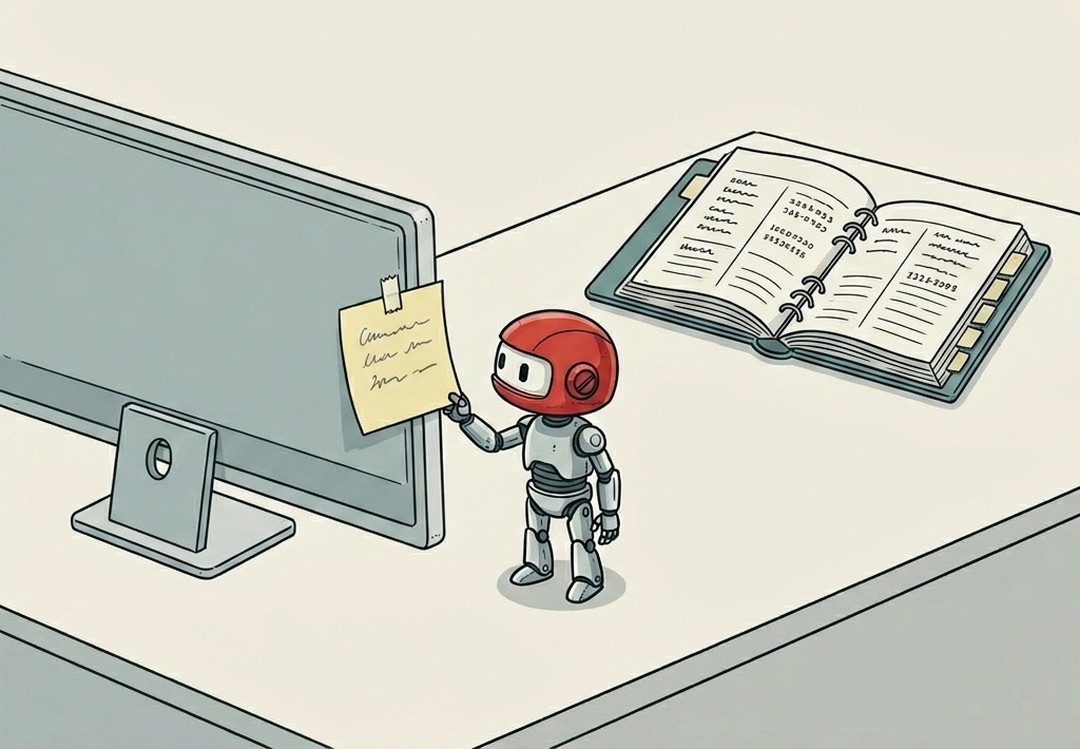
Cache
TLDR:The chef could reach into the walk-in refrigerator every single time she needs garlic.
The chef could reach into the walk-in refrigerator every single time she needs garlic. But she doesn't. Before the rush, she minced a pile and set it in a little bowl at her station, close, fast, ready. She grabs from the bowl. The walk-in is still the source of truth. The bowl is just closer.
That bowl is a cache.
A cache is a copy of something, stored somewhere faster and closer, so you don't have to go fetch the real thing every time. The source of truth hasn't moved. You're just not going all the way to it for every single request.
The tradeoff is easy to see from the kitchen.
The bowl is faster. Reaching for it takes a second; the walk-in takes twenty. But the bowl can go stale. If you minced the garlic at 3pm and dinner rush doesn't start until 6pm, that garlic isn't what it was. The walk-in has fresh stock. The bowl might not. And if the bowl is empty, you go back to the walk-in. The bowl failing doesn't break anything, you just take the slow path.
Software caches work exactly this way. A browser cache stores images, scripts, and page styles locally so your laptop doesn't download them fresh from the server every single time you reload. A server-side cache stores the result of a slow database query so the next request can skip the query. The CDN is a cache, just applied to files.
Why "clear the cache" fixes weird things.
When a cache is stale, the system is operating on the wrong picture. The source of truth updated, but the bowl is still holding last week's garlic. Clearing the cache means throwing out the bowl and going back to the walk-in, slower, but fresh. The site looks wrong because your browser is serving you a copy it cached three deploys ago. Clear it, and the real version comes through.
It's not "fix everything." It's "stop using the shortcut and go get the real thing."
Where you'll encounter this with AI systems.
Prompt caching (something Claude supports directly) stores the beginning of a long conversation or a large document so the model doesn't re-read the whole thing with every new message. That's a cache. The model's bowl already has the context prepped; you're not paying (in time or cost) to reload the walk-in on every turn.
When caching is working, response time drops and costs drop with it. When it's misconfigured or stale, you get responses that seem to operate on outdated information, because they are.
The rule: the cache is always the shortcut, never the source. A fast shortcut that sometimes goes stale. Worth knowing which one you're reading from.