define branch --plain-english
Branch
TLDR:A safe copy to try changes on.
Picture the "what if" timeline in a movie. Some character cracks open a sideways universe, goes and lives out the wild version of events, and the real world keeps spinning along untouched the whole time. That's a branch.
You've got a working version of your project. It runs, it's live, people use it. Now you want to try something risky. Rip out the checkout flow, redesign the homepage, whatever. The terrifying part isn't the idea. It's that the idea might blow up the thing that's already working.
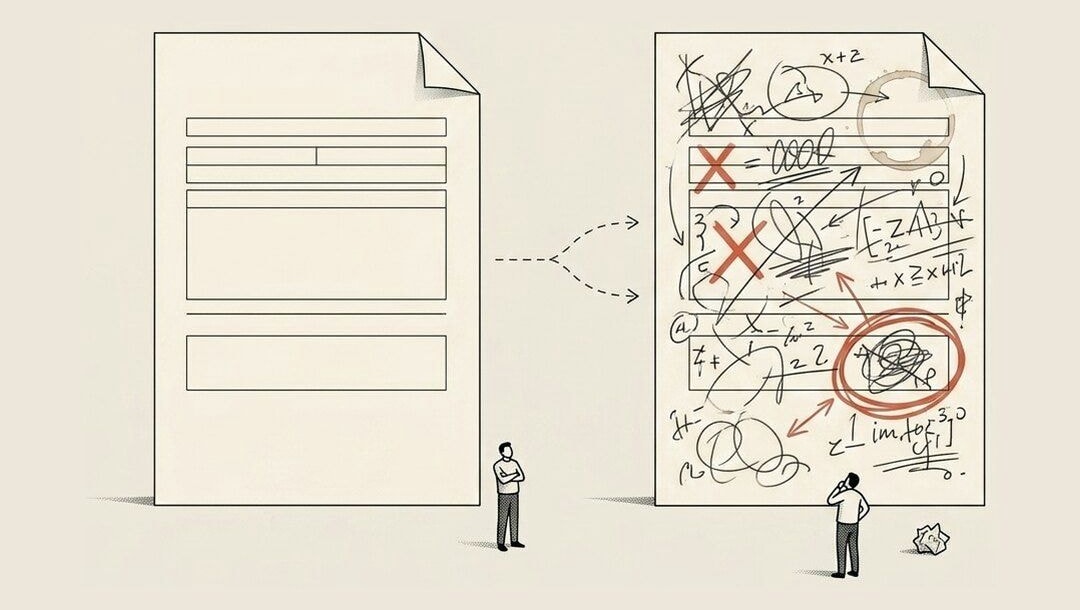
So you don't touch the working thing. You split off a copy.
That copy is the branch: a full clone of everything, peeled off to the side, where you can experiment as recklessly as you want. The real version stays frozen and safe while you play. The real version almost always has a name, and that name is main. (You'll also see "master" on older projects. Same thing.) Main is reality. A branch is your sandbox.
How it works in plain steps
You're on main, the working version.
You make a branch off it. Now you've got an identical copy with its own name.
You go nuts on the branch. Break things, fix them, try the dumb idea.
Main hasn't moved an inch. It's still sitting there working, like nothing happened.
Branches get named after the thing you're building. A branch built to add one feature is called a feature branch, and people name it after the job so the history reads like plain English:
add-checkout-buttonlives on one branchfix-coupon-buglives on anotherredesign-homepagelives on a third
Three risky experiments, three separate universes, none of them able to touch each other or touch main.
Then comes the verdict. When the work on a branch is done and you've tested it and it actually works, you merge it back into main. Merging means "fold this experiment back into reality." The change stops being a side-quest and becomes part of the real, live thing everyone uses.
And if the experiment was a disaster? You delete the branch and walk away whistling. Main never knew it existed. There's no cleanup, no "undo the damage," no scar. The whole parallel universe just evaporates. The worst possible outcome is "throw the branch away," never "I broke the live site."
This is also how a whole team builds on the same project without bumping into each other. Everyone works on their own branch, in their own universe, and folds their piece back into main when it's ready. Nobody's editing the same live file at the same time and stepping on each other's toes.
Now, one word you'll hear and should not panic about: conflict. Every so often two people (or two branches) edit the exact same line, and when you go to merge, Git can't decide which version wins. So it stops and asks you. That's a merge conflict. It sounds like an alarm going off, but it's really just Git being polite:
"You both changed this line. Which one do you want?"
You pick, you save, you move on.
There's also a clean, formal way to merge a branch back in, especially when someone should look it over first. It's called a pull request.
Experiment on a branch. Keep main safe.