define merge-merge-conflict --plain-english
Merge / Merge Conflict
TLDR:I didn't know what a branch or a merge conflict was until I started working with outside developers.
I didn't know what a branch or a merge conflict was until I started working with outside developers. Now I use them constantly, on every new thing I build.
The way it works in practice: when I want to build something new, I make a branch off of main. Main is the official, working version of the project, the one everyone builds from. A branch is my own copy of it, off to the side, where I can build the new thing and make sure it actually works without touching what everyone's relying on. When it's good, I merge it back into main. A merge is exactly that: folding my branch's work back into the main version, combining two lines of work into one.
Most merges are quiet. Git (the thing tracking all these versions) is smart enough to look at what I changed and what someone else changed and stitch them together on its own, as long as we touched different parts of the project. It's only when we both changed the very same spot, two different ways, that it stops.
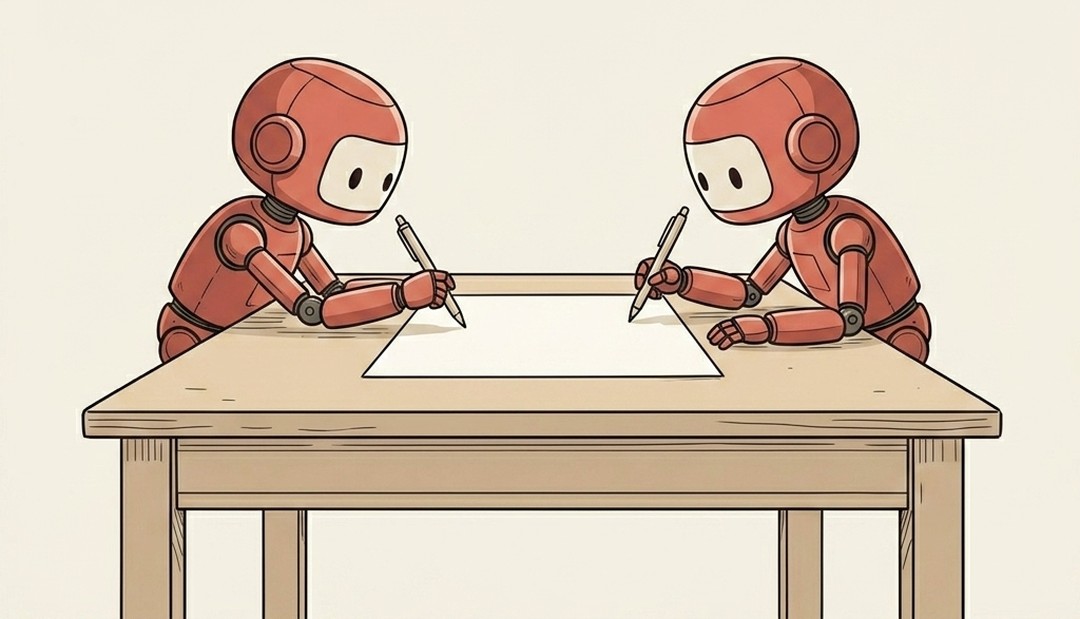
This is where a Google Doc makes it click. Picture you and a colleague in the same doc. If you're editing the intro and she's fixing the conclusion, no problem, both edits just land. But if you both rewrite the exact same sentence at the same time, two different ways, something has to decide which version wins. A merge conflict is that exact moment. Git refuses to guess. It marks the spot, shows both versions side by side ("here's yours, here's theirs"), and waits for a person to choose.
And a merge conflict isn't a crash or a bug. It's the one decision a machine won't make for you, because there's no right answer it can compute. Two humans wanted two different things in the same spot, and somebody has to pick.
Where you'll meet it: a pull request is the formal "please merge my branch into main" request, so clicking that green button is what triggers a merge. And the dreaded "this branch has conflicts that must be resolved" on GitHub is just it telling you two edits collided and it needs you to settle it before the merge can finish. When your AI says "I hit a merge conflict," it's not stuck on something hard. It's asking you the one question it isn't allowed to answer alone: your version, or theirs?
A merge folds two branches back into one, and most of the time it just works. A merge conflict is the single sentence you both rewrote differently, like two people typing over each other in the same Google Doc, where the machine stops and hands you the pen.