define cli --plain-english
CLI
TLDR:Talk straight to the kitchen, no clicking.
Eighteen months ago I never opened the terminal unless I was lost. Now I don't want to leave it.
Most software gives you a GUI. Graphical user interface. Buttons, icons, menus. Someone designed those buttons because clicking is easier than memorizing commands. Back to the restaurant: the GUI is the dining room. You sit down, read the menu, and order through a waiter. Comfortable, but slow, and you only get what's printed on the menu.
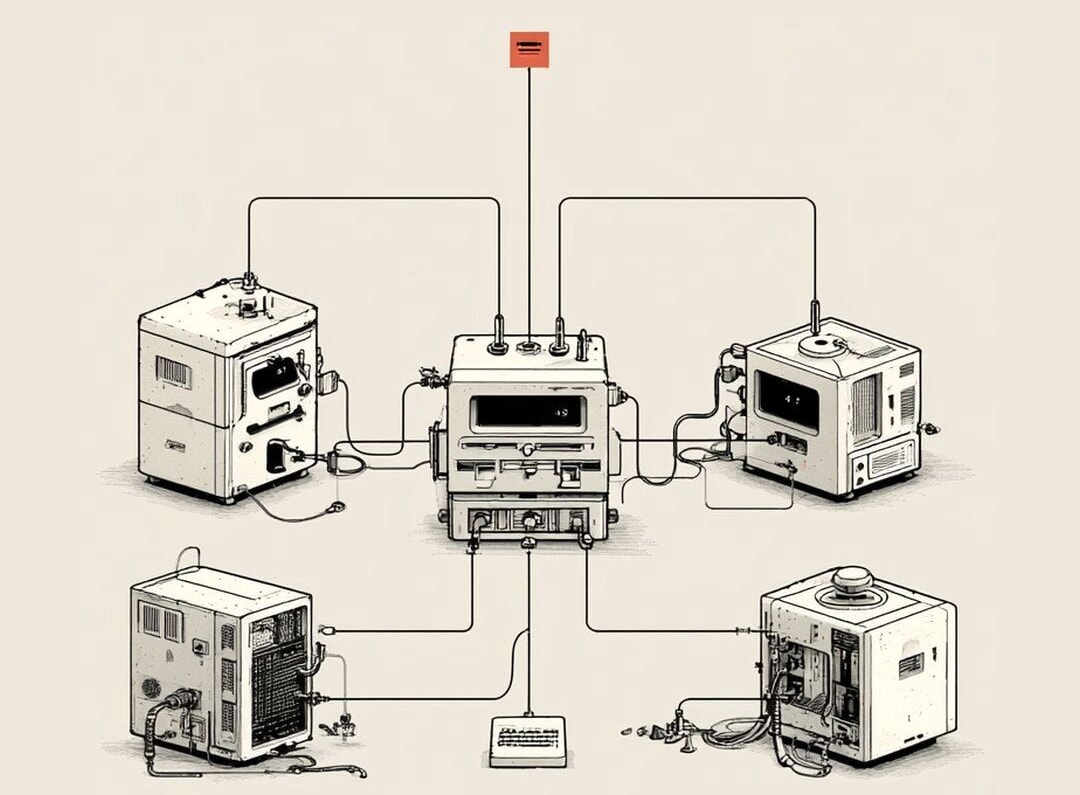
A CLI is a direct phone line to the kitchen. Command line interface. No menu, no waiter, no dining room. You call the chef, tell them exactly what you want in their shorthand, and they do it. Less pretty. A lot faster.
The black window with the blinking cursor isn't a hacker scene. It's just that phone line, sitting open and waiting for you to talk.
Three commands to start. Open Terminal on your Mac (search "Terminal" in Spotlight) and type these one at a time:
cd Documents
ls
mkdir ideas
What you just said to your computer:
cd Documents→ "walk me into the Documents folder." (cd = change directory.)ls→ "list everything in here." Files, folders, all of it.mkdir ideas→ "make a new folder called ideas." (mkdir = make directory.)
That's it. No clicking, no dragging. You're talking straight to your own machine in its native shorthand, and it does exactly what you said the instant you hit enter.
Almost every app has its own CLI too. Shopify CLI. Stripe CLI. GitHub CLI. Instead of logging into a dashboard and clicking around five screens, you type one line:
shopify product create
And it talks to Shopify's API for you. The same drive-thru window, just placed by phone instead of by hand. Same phone line, different kitchen. Once you've got the hang of one, the rest feel familiar.
Why does a non-coder need to care about any of this? Two reasons.
It's often faster than the pretty version. The thing that takes you six clicks and three page loads in a dashboard is frequently one typed line. Once you know the line, you never hunt for the button again.
This is the big one: AI agents live in the CLI. A button needs your finger. A typed command doesn't.
That second point is the one to hold onto. An agent can't reach through the screen and click "Buy Now" for you. But anything you can type, it can type too. The terminal is the one room where the AI and your computer speak the same language, with no buttons in the way.
So the line that matters:
Anything you can type, you can hand to an agent. Anything that needs a click is still waiting on you.
You don't have to memorize a hundred commands. You don't even have to remember the three above. When you forget one (you will), just ask: "I'm in Terminal on a Mac. What's the command to rename a file?" That's the move. The CLI stops being scary the moment you realize it's just a place to type plain instructions and get plain results.
I avoided that black window for years because it felt like the deep end. It's the opposite. It's the shortest distance between what you want and your computer actually doing it.