define api --plain-english
API
TLDR:How your AI talks to other apps.
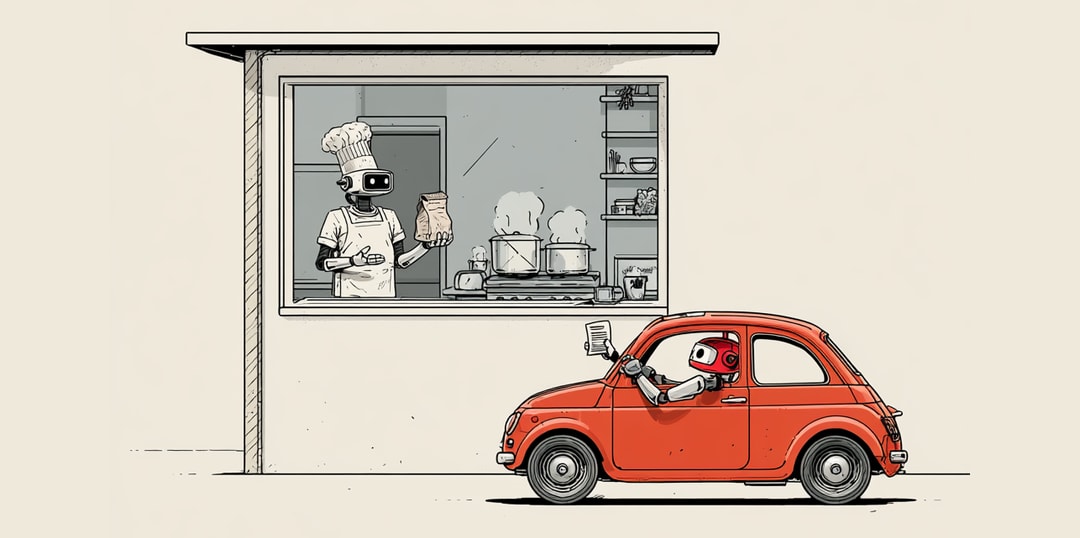
If you've ever used a drive-thru, you already understand APIs.
Your AI doesn't have hands. It can't log into your apps, click buttons, or fill out forms for you. But it doesn't need to. Shopify has an API. Klaviyo has an API. Slack, Stripe, Google Calendar, Notion. Almost every app you use has one. The API is how your AI actually gets things done in the real world.
So picture the drive-thru.
Your AI pulls up to the window. There's a menu bolted to the wall:
- send this email
- update this product
- fetch these orders
- post this message
It reads the menu, places an order, and the kitchen does the work. Your AI never walks inside. It never logs into your account. It just orders off what's posted at the window, and the food comes out.
That's an API. The window between your AI and somebody else's software.
The first time I wired my AI into Shopify, I expected to write some big scary script. I didn't write code to pull my orders. I handed it the key and it ordered "fetch these orders" off the window. That was the whole job.
The menu is also the safety.
The only things your AI can do are the things printed on that menu. That's it. If "delete every customer" isn't on the menu, your AI literally cannot order it. The window doesn't take requests that aren't listed. So an API is a fence as much as a doorway. The app decides exactly what's on offer, and everything else stays locked in the back where nobody at the window can reach it.
This is why companies are comfortable opening a window at all. They're not handing you the keys to the kitchen. They're handing you a menu they wrote, with a fence around everything they didn't.
Every window needs a key.
To pull up to the window, your AI needs to prove it's allowed there. That proof is the API key: a long, random string of characters that basically says "this order is coming from my account, charge it to me, let it through."
One rule matters more than all the rest, so I'll say it plainly:
Never paste your API key directly into your code.
Code tends to end up on GitHub, and a lot of GitHub is public, meaning the entire internet can read it. Leave your key sitting in the code and you've taped your credit card to the drive-thru window for anyone walking by. People run bots that scan GitHub for exactly this. They find a leaked key, and within minutes they're ordering off your menu on your dime. Keys live in a separate, hidden file instead. More on where the secrets go later.
What this unlocks for you
Once you see the window, a lot of "how does AI actually do stuff" clicks into place. A few things APIs let your AI do without you lifting a finger:
- Pull last week's orders out of Shopify and summarize them
- Add a new subscriber to your Klaviyo list the second they sign up
- Drop a message in a Slack channel when something breaks
- Create a calendar event, send an email, update a price
None of that is the AI being clever with words. It's the AI placing orders at windows that were already open.
Without APIs, your AI is just a really good talker. It can write you a beautiful email and then sit there, unable to send it. With APIs, that same AI walks up to the window, orders "send this," and it's gone.
That's the leap. Without APIs, you've got a chatbot. With them, you've got an employee.