define worker --plain-english
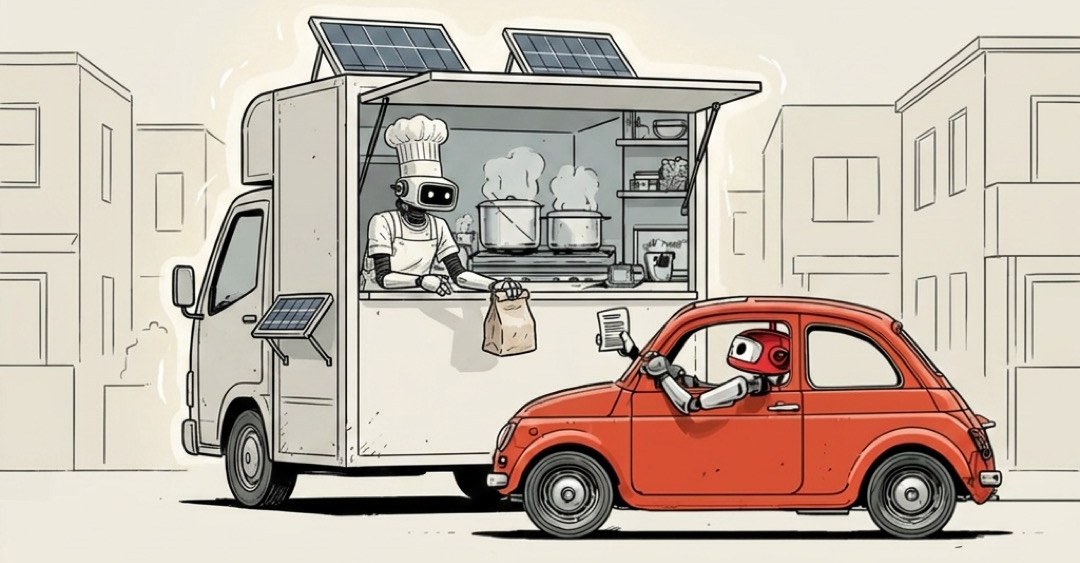
Worker
TLDR:A small program that runs one job on demand.
Somebody uploads a 40MB photo to your site. If your app stops everything to resize it right there, the next ten people just stare at a spinning wheel. So you don't make them wait. You toss the job over the wall and say "handle this, I've got customers to serve."
The thing on the other side of that wall is a worker.
Think of the line cook in a busy kitchen. They don't take your order, pour your wine, or run the register. They grab one ticket off the rail, make the one dish, slide it out, and reach for the next ticket. A worker is that line cook, in software. A small program with one task, running quietly in the back, off the main floor where customers are sitting.
Most of what an app does happens right in front of you, fast: click a button, see a result. But some jobs are too slow, too heavy, or too annoying to make a person sit through. So the app hands those off to a worker to chew on in the background while you carry on. The jobs that get handed off are almost always the same flavor:
- Resize and crop that giant image somebody just uploaded
- Send the welcome email (and the next one, and the next one)
- Generate the monthly PDF report nobody wants to wait on
- Crunch a big pile of orders into a summary
- Process a video, a file, an import
None of those need you watching. So they get done out of sight, and you get your screen back immediately.
When the orders pile up during the dinner rush, a good kitchen doesn't rewrite the menu or retrain the chef. It just adds more cooks to the line. Five tickets backing up? Put five cooks on it. Software does the exact same move. When work floods in, you don't rebuild anything. You run more copies of the same little worker, side by side, each grabbing tickets off the same rail.
That's why this matters even if you never touch the code:
It's why apps feel fast even when they're doing something slow. The heavy lifting got shoved to a worker in the back, so the front of the house never freezes.
It's how things scale on a busy day. A flood of signups or uploads doesn't break the app. It just spins up more cooks.
It's how the boring stuff happens on its own. A lot of "set it and forget it" automation is really just a worker, quietly grabbing tickets while you sleep.
A worker is usually fed by a line of tickets waiting their turn (that line has its own name, a queue). The worker pulls one off the front, does it, pulls the next. If the line gets long, you add cooks. If it goes quiet, the cooks stand around with nothing to do, which is fine, that's what they're there for.
One honest note so you don't picture this wrong: a worker doesn't run forever waiting around. The whole point is it wakes up, does the one job it was handed, reports back, and gets out of the way. Cheap, focused, disposable. Need a hundred at once? Spin up a hundred. Need none? Run none.
You don't build a machine that does everything. You build one little cook who does one thing well, then you hire as many of them as the rush demands.