define computer-use --plain-english
Computer Use
TLDR:AI that clicks and types like a person.
The first time I watched an AI do this, I genuinely felt weird. I gave it a task, then sat there and watched the mouse move on its own. The cursor slid across the screen, found a button, clicked it. Typed into a box. Scrolled. Nobody touching the trackpad. It was like watching a ghost use my laptop.
Most of the time, an AI gets things done through the drive-thru window. An app posts a menu of things you're allowed to order (fetch these orders, send this email), the AI pulls up and orders off it, and the work happens. That window is an API, and when one exists, it's always the better way.
But a huge pile of software never built a window. Old internal tools. Some government portal that looks like it was last updated in 2009. That clunky dashboard your vendor makes you log into. No menu, no window, no clean way in. For decades, that meant the AI was stuck. It could talk about the task all day and never actually touch it.
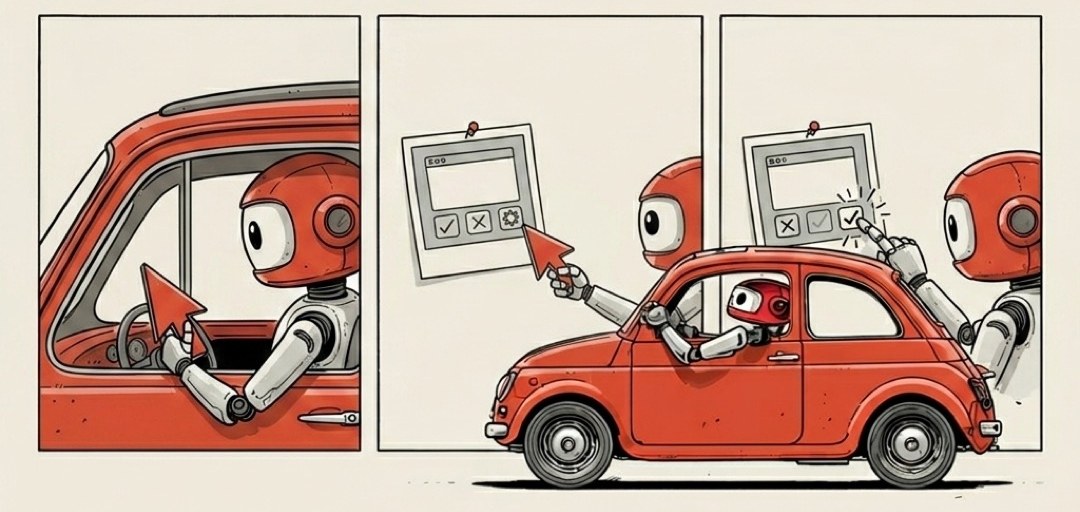
Computer use is the fix. When there's no window to order from, the AI just walks in the front door and uses the buttons like a person.
What that means literally. The AI is doing the exact three things you do all day without thinking about it:
It looks at the screen. A screenshot goes to the model and it reads what's there, the way you'd glance at a page. Buttons, text fields, menus, the little X in the corner.
It moves the mouse and clicks. It decides "the submit button is down here" and moves the cursor to those coordinates and presses.
It types. Into the search box, the login field, the form.
Look, point, click, type. That's it. The same loop you run a thousand times a day, handed to the machine.
The mental model that made it click for me: picture hiring a remote assistant who can see your screen and take the controls. You don't teach them a secret programming language. You don't hand them special access. They just look at what's on the monitor and point-and-click their way through, same as you would. Computer use is that assistant, except it's the AI driving.
When to actually reach for this. Only when the clean way isn't available.
- The app has an API → use the window. Faster, cheaper, doesn't misclick.
- The app has no API → computer use is your "no problem, I'll just do it by hand" fallback.
That order matters, because computer use is the slow, clumsy option and you should know that going in.
Think about how a real person uses a website versus how fast a phone line to the kitchen is. Pointing and clicking through five screens takes real seconds, every time. And just like a person, the AI can misclick. It can mistake one button for another, scroll past the thing it wanted, or get lost when a popup it didn't expect jumps in front of the page. It is genuinely fumbling around a screen the same way you would on a site you've never seen. Sometimes it nails it. Sometimes it clicks the wrong blue rectangle.
You give up speed and reliability. What you get back is reach: the AI can now operate basically anything a human can operate, including the mountain of software that never offered a tidy way in.
One thing worth holding onto, because it's the same caution from the agent that can act in the real world: the more an AI can touch, the more you want to watch what it's reaching for. A tool ordering off a posted menu can only ever order what's printed there. Something with its hands on your actual mouse and keyboard can, in theory, click anything on the screen. That's not a reason to avoid it. It's a reason to keep an eye on the cursor the first few times, the way you'd glance over the shoulder of a new assistant before you trust them with the whole afternoon.
When there's a window, the AI orders off the menu. When there's no window, it just walks in and uses the buttons.